JointJS for React vs React Flow: Which Is Better for Your Next React Application?
Compare JointJS vs React Flow for React applications. Explore features, performance, customization, scalability, licensing, and how VisualFlow helps developers build faster.
Choosing the right diagramming library can significantly influence your application's development speed, scalability, customization, and long-term maintenance.
Modern applications increasingly rely on interactive visual interfaces. From AI workflow builders and automation platforms to organizational charts, process editors, data visualization dashboards, and low-code development tools, diagrams are becoming an essential part of the user experience.
For React developers, two popular technologies worth considering are React Flow and JointJS for React.
Both libraries provide powerful foundations for building interactive diagrams, but they approach the problem differently. React Flow focuses on a flexible, React-oriented node-based interface, while JointJS provides a mature diagramming engine with a rich graph model, advanced diagramming capabilities, and a first-class React integration.
So, which one should you choose for your next application?
In this comprehensive comparison, we'll explore React Flow vs JointJS for React across architecture, custom components, performance, scalability, developer experience, accessibility, licensing, and real-world applications. We'll also explain how VisualFlow helps developers and startups accelerate development through reusable React Flow examples and implementation-ready solutions.
1. What Is React Flow?
React Flow is an open-source React library for building interactive node-based applications, flowcharts, and visual editors.
It allows developers to create diagrams using nodes and edges while providing built-in functionality for dragging, connecting, selecting, zooming, and panning.
The library is especially useful when developers want to create interfaces where users can visually connect different elements and control how information or processes move between them.
Key Features of React Flow
1. Custom Nodes
React Flow allows developers to create nodes using standard React components. You can embed forms, buttons, charts, icons, dropdowns, and other interactive UI elements directly inside nodes.
2. Custom Edges
Developers can design custom connections between nodes, including animated edges, labels, conditional connections, and different visual styles.
3. Interactive Canvas
React Flow provides built-in interactions such as:
- Drag-and-drop node positioning.
- Connecting nodes through handles.
- Zooming and panning.
- Node and edge selection.
- Background grids and controls.
- Minimap integration.
4. Flexible State Management
React Flow provides hooks for managing nodes, edges, and diagram interactions. Developers can also integrate external state management solutions such as Redux, Zustand, or other React-compatible libraries.
5. Extensible Architecture
Because nodes are React components, developers can integrate their existing UI libraries, styling systems, API services, and application logic.
Where React Flow Works Best
React Flow is particularly suitable for:
- AI workflow builders.
- Automation platforms.
- No-code and low-code applications.
- Marketing automation tools.
- Workflow management dashboards.
- Visual programming environments.
- Interactive data visualization.
- SaaS product configuration interfaces.
For startups building a visual product experience, React Flow offers a flexible foundation without requiring developers to build an entire diagramming engine from scratch.
Official website: https://reactflow.dev/
2. What Is JointJS for React?
JointJS is a mature JavaScript and TypeScript diagramming library designed for building complex, interactive, and production-scale visual applications.
Unlike a library focused primarily on React components, JointJS has its own diagramming model and rendering engine. Its React integration, called JointJS for React (@joint/react), provides React components and hooks for working with that underlying engine.
This distinction is important: the modern JointJS for React integration is a first-class React solution, not simply the older manual approach of creating a diagram inside a React useEffect.
JointJS is particularly useful for applications that need sophisticated diagram structures, advanced connections, specialized shapes, and complex graph interactions.
Key Features of JointJS
1. Advanced Diagramming Capabilities
JointJS provides a rich foundation for creating structured diagrams, including flowcharts, UML diagrams, ER diagrams, network diagrams, and business process models.
2. Advanced Connection Management
JointJS supports configurable links, ports, connection rules, routing, and obstacle avoidance. These capabilities are useful when diagram relationships become more complex.
3. Rich Graph Data Model
Its graph model provides structured representations of diagram elements and their relationships, making it suitable for applications that need to query, transform, and persist complex diagram data.
4. SVG-Based Rendering
JointJS uses SVG as its underlying rendering technology. This gives developers precise control over diagram geometry, shapes, and connections.
5. Extended Enterprise Features
JointJS+ adds commercial functionality such as:
- Element palettes and stencils.
- Selection tools.
- Undo and redo.
- Minimap and navigation.
- Advanced layouts.
- Import and export capabilities.
- Specialized diagramming components.
Where JointJS Works Best
JointJS is particularly suitable for:
- Enterprise diagramming systems.
- UML and software architecture editors.
- BPMN applications.
- Network topology visualization.
- Industrial monitoring systems.
- Electrical and engineering diagrams.
- Complex process modeling applications.
Official website: https://www.jointjs.com/
Documentation: https://docs.jointjs.com/react/
3. Architecture Comparison: React Flow vs JointJS
Architecture is one of the most important considerations when selecting a diagramming library.
The underlying architecture affects how developers manage application state, build custom components, handle interactions, and optimize performance.
React Flow Architecture
React Flow follows a React-oriented component architecture.
Nodes and edges are integrated into the React rendering model. Developers can manage diagram state through React hooks and connect the diagram to their existing application architecture.
For example, a custom node can be implemented as a regular React component:
codeimport { Handle, Position } from '@xyflow/react'; function CustomNode({ data }) { return ( <div className="custom-node"> <Handle type="target" position={Position.Top} /> <h3>{data.label}</h3> <p>{data.description}</p> <button onClick={data.onExecute}> Execute </button> <Handle type="source" position={Position.Bottom} /> </div> ); }
This approach makes React Flow particularly convenient when the diagram is an extension of the application's existing UI.
JointJS for React Architecture
JointJS for React provides a React-oriented API on top of the JointJS diagramming engine.
Developers can create React components for diagram elements while JointJS manages the underlying graph, geometry, and SVG-based rendering.
The architecture combines:
- React components for diagram elements.
- A structured graph data model.
- SVG-based diagram rendering.
- Hooks and event APIs for interaction.
- JointJS+ components for additional editor functionality.
This approach is particularly valuable when the diagram itself is the core of the application rather than simply another UI component.
Architecture Verdict
React Flow is attractive when the development team wants diagramming to behave like a natural extension of its React application.
JointJS is attractive when the team needs a dedicated diagramming model with more specialized graph and connection capabilities.
Neither architecture is inherently superior. The better choice depends on how much control your application needs over its graph model and rendering behavior.
4. Custom Nodes and UI Customization
Custom nodes are essential for modern diagramming applications.
A simple flowchart might only require rectangles and arrows. However, a production-ready visual application often needs much more:
- Interactive forms.
- Status indicators.
- Charts and analytics.
- AI agent interfaces.
- API configuration panels.
- Dynamic input fields.
- Contextual actions.
- Custom icons and animations.
Customization in React Flow
React Flow provides a straightforward approach to customization because nodes are React components.
Developers can integrate almost any React-compatible UI element into a node.
For example, an AI workflow builder might include:
- An LLM node with model selection.
- An API node with authentication settings.
- A condition node with branching logic.
- A database node with query configuration.
- An output node with response previews.
These elements can use the same design system as the rest of the application.
Customization in JointJS
JointJS supports custom SVG elements and React-rendered elements through its React integration.
Developers can use components such as HTMLHost and HTMLBox to create React-based diagram elements, alongside SVG-based elements and links.
It also provides more specialized tools for defining ports, links, element interactions, and diagram geometry.
The trade-off is that developers need to understand the JointJS rendering and graph model when building more advanced functionality.
Customization Verdict
React Flow is particularly convenient for applications with highly interactive React-based nodes and UI-heavy workflows.
JointJS is a compelling option when customization involves sophisticated diagram geometry, structured graph behavior, and advanced connection rules.
5. Performance and Scalability: Which Handles Large Diagrams Better?
Performance is one of the most important factors when building large workflow editors, visual programming platforms, and diagram-heavy applications.
A diagram with 20 nodes may work perfectly in almost any library. However, the engineering requirements change when the application needs to support thousands of nodes and connections.
React Flow Performance
React Flow provides a flexible rendering architecture, but developers must consider component rendering, state updates, and the complexity of individual nodes.
Common optimization techniques include:
- Component memoization.
- Selective state subscriptions.
- Efficient node and edge updates.
- Virtualization where appropriate.
- Throttling expensive operations.
- Optimized automatic layout calculations.
- Avoiding unnecessary React re-renders.
React Flow 13 also introduces internal improvements, including finer-grained store subscriptions and React Compiler optimization.
Official performance guide: https://reactflow.dev/learn/advanced-use/performance
JointJS Performance
JointJS uses its own SVG-based diagramming engine and graph model.
This separates much of the diagram rendering and interaction work from the application's ordinary React rendering process.
Its architecture is designed for complex diagrams and includes additional scalability tools in JointJS+ for React, such as spatial indexing and virtual rendering.
However, SVG rendering is not automatically faster in every scenario. Performance depends on the number of visible elements, shape complexity, update frequency, browser capabilities, and implementation.
Performance Verdict
Choose React Flow when fast initial rendering, React-oriented interfaces, and carefully optimized custom components are central to your application.
Consider JointJS when your application requires advanced graph management and stable interactions across large, complex diagrams.
For either option, benchmark your actual application with realistic node counts, custom components, and interaction patterns before making a final architectural decision.
6. Accessibility and User Experience
Accessibility should be considered from the beginning of any production application.
A diagramming interface should provide meaningful keyboard interactions, appropriate screen-reader announcements, and accessible controls.
React Flow Accessibility
React Flow provides built-in accessibility features, including:
- Keyboard navigation.
- Focusable nodes and edges.
- Selection using Enter and Space.
- Node movement through arrow keys.
- Configurable ARIA labels.
- Screen-reader announcements.
- Focus management.
These features provide a useful foundation for building accessible visual applications.
JointJS Accessibility
JointJS supports configurable diagram interactions, but developers should not assume that every diagramming experience automatically meets accessibility requirements.
In particular, custom SVG elements and complex diagram interactions need to be evaluated for keyboard operability, focus management, screen-reader support, and semantic labeling.
The accessibility implementation should be tested against the requirements of the actual application.
Accessibility Verdict
React Flow provides a convenient built-in accessibility foundation.
JointJS can also be used to develop accessible applications, but teams should carefully validate the complete diagramming experience and implement any missing accessibility behavior.
7. Developer Experience and Learning Curve
Developer productivity is not just about the number of available features. It is also about how quickly developers can understand, implement, debug, and maintain those features.
Development factorReact FlowJointJS for React
React learning curve
Relatively straightforward for React developers
Requires learning its diagramming model
Custom UI implementation
Standard React components
React components and SVG elements
State management
React hooks and external libraries
Graph model and React hooks
Complex routing
Custom implementation and integrations
Built-in routing capabilities
Layout algorithms
External libraries and integrations
Available through integrations and JointJS+
Community resources
Strong open-source ecosystem
Official documentation and commercial resources
Rapid prototyping
Very convenient
Convenient with familiarity and appropriate tooling
Advanced diagramming
Requires additional implementation
Rich diagramming capabilities
Why React Flow Is Attractive to Startups
Early-stage startups need to validate ideas quickly.
A team building an AI automation platform may need to test different node designs, connect API services, implement conditional branches, and integrate a visual editor into an existing SaaS dashboard.
React Flow allows developers to build these experiences using familiar React development practices.
Why JointJS Is Attractive to Enterprise Teams
Enterprise applications often have more specialized requirements.
For example, a network modeling application may need complex routing, domain-specific shapes, structured graph relationships, and advanced diagram editing tools.
JointJS provides a mature foundation for these use cases.
8. Licensing and Development Costs
Licensing is another important consideration, especially for startups and companies building commercial SaaS products.
React Flow Licensing
React Flow provides an open-source library with its core diagramming functionality available to developers.
The Pro offering provides additional resources, examples, and tools. Developers should review the current license terms of the specific packages they use.
JointJS Licensing
JointJS provides an open-source core under the Mozilla Public License 2.0.
JointJS+ is its commercial extension, providing additional UI components, plugins, advanced features, and ready-to-use demo applications.
The distinction is important because some functionality that teams expect from a complete visual editor may require JointJS+.
Licensing Comparison
FactorReact FlowJointJS
Open-source core
Yes
Yes
Commercial product development
Subject to applicable license terms
Subject to applicable MPL terms
Commercial extensions
React Flow Pro
JointJS+
Ready-made examples
Pro examples and community resources
Extensive commercial demo library
Advanced editor plugins
Depends on implementation and available packages
Many provided through JointJS+
Paid developer support
Depends on plan
Available through JointJS+
For a startup, the total cost should include more than the initial license. Consider developer hours, maintenance, implementation effort, support, and future product requirements.
9. React Flow vs JointJS: Which Library Should You Choose?
The best choice depends on the type of application you're developing.
Choose React Flow If:
- You're building a React-based SaaS application.
- Your product needs highly customized nodes and edges.
- You want to integrate forms, charts, and interactive components into diagrams.
- Your team is already familiar with React.
- You need flexibility over the visual experience.
- You are building AI workflow builders or automation platforms.
- You want to iterate rapidly on your product UI.
Choose JointJS If:
- You're developing complex enterprise diagramming software.
- Your application requires a structured graph data model.
- You need sophisticated connection routing and diagram geometry.
- Your project involves UML, ERD, network, or engineering diagrams.
- You need advanced diagramming tools and are comfortable with its ecosystem.
- Your budget supports the required commercial features.
10. How VisualFlow Helps Developers Build React Flow Applications Faster
Choosing a diagramming library is only the beginning.
Once developers select React Flow, they still need to implement the complete user experience.
Building a production-ready visual application requires much more than displaying nodes and connecting edges.
Developers often need to implement:
- Custom node components.
- Advanced edge connections.
- Automatic graph layouts.
- Drag-and-drop functionality.
- Node configuration panels.
- Search and filtering.
- Zoom and navigation.
- Diagram interactions.
- State management.
- Data persistence.
- Responsive interfaces.
- Performance optimization.
Implementing all these features from scratch can significantly increase development time, particularly for startups working with limited resources.
This is where VisualFlow comes in.
What Is VisualFlow?
VisualFlow is a developer-focused ecosystem of React Flow examples, templates, and implementation patterns designed to help developers build advanced node-based applications.
Instead of starting with an empty canvas, developers can explore practical implementations of different diagramming experiences and use them as references or starting points for their own projects.
Explore: https://www.visualflow.dev/
How VisualFlow Supports Startup Ecosystems
1. Accelerates Product Development
Startups can explore existing implementations instead of spending unnecessary time rebuilding common diagramming patterns.
For example, a team developing an AI automation SaaS can use an AI workflow builder example as a reference for its node structure, connections, and editor interface.
2. Reduces Development Complexity
VisualFlow examples demonstrate practical approaches to implementing advanced React Flow functionality.
Developers can learn how different components work together and adapt the implementation to their product requirements.
3. Encourages Faster Prototyping
Early-stage founders need to validate ideas before investing heavily in engineering.
Ready-made examples make it easier to experiment with different visual interfaces, test workflows, and demonstrate product concepts.
4. Provides Real-World UI Inspiration
VisualFlow covers different diagramming patterns and application interfaces, including:
- Organizational charts.
- State machine diagrams.
- Microservices architecture.
- BPMN editors.
- Marketing automation workflows.
- Canvas flow builders.
- AI workflow interfaces.
- Data visualization patterns.
These examples help developers understand how React Flow can be applied to different product categories.
5. Supports Developer Learning
VisualFlow is also a learning resource for developers who want to understand advanced React Flow concepts.
By exploring different implementations, developers can learn about custom nodes, edge configurations, layout algorithms, interactions, and reusable diagramming architectures.
Examples Worth Exploring on VisualFlow
Here are some examples that demonstrate how React Flow can be used to build different kinds of applications. Floor planner
Create flexible node-based floor planner experiences with interactive connections and customizable elements.
Explore: https://www.visualflow.dev/templates/floor-planner-with-react-flow
Radial Cluster Diagram
Organizational Chart Pattern
Build interactive organizational structures with connected employee or department nodes.
Explore: https://www.visualflow.dev/templates/orga-chart-pattern
Microservices Pattern
Represent distributed application architectures using connected services and structured relationships.
Explore: https://www.visualflow.dev/templates/microservices-pattern
BPMN Editor
Explore business process modeling through an interactive diagramming interface.
Explore: https://www.visualflow.dev/templates/bpmn-editor-with-react-flow
Why This Matters for Startup Founders
For startups, engineering resources are valuable.
Spending weeks implementing common diagramming patterns can delay the development of the features that actually differentiate a product.
VisualFlow helps reduce that initial implementation effort by providing practical examples and reusable development references.
It allows developers to focus more on product-specific logic, business requirements, and customer experience rather than repeatedly solving the same diagramming challenges.
The goal is simple: spend less time building diagramming foundations and more time building products that solve real problems.
11. Final Verdict: React Flow or JointJS for Your Next Application?
Both React Flow and JointJS are capable diagramming technologies, and both can serve as the foundation for sophisticated visual applications.
However, their strengths are different.
React Flow is an excellent option for developers who want to create flexible, customized, React-oriented visual experiences. Its component-based architecture makes it particularly suitable for modern SaaS products, AI workflow builders, automation platforms, and interactive node editors.
JointJS is a strong alternative for teams building advanced diagramming systems that require structured graph models, sophisticated routing, specialized shapes, and enterprise-level diagramming functionality.
There is no single winner for every application.
Our recommendation: If your primary goal is to build a highly customizable React-based visual product, start by evaluating React Flow. If your application is centered on complex technical diagramming and specialized graph behavior, evaluate JointJS for React as well.
And if you choose React Flow, VisualFlow can help you move from an empty canvas to a functional diagramming experience faster.
Explore the examples and start building: https://www.visualflow.dev/
Frequently Asked Questions (FAQ)
1. Is React Flow better than JointJS?
React Flow is often better suited to highly customizable React-based interfaces, AI workflow builders, and SaaS applications. JointJS is particularly useful for complex diagramming applications requiring advanced graph modeling, routing, and specialized diagramming tools. The right choice depends on project requirements.
2. What is the main difference between React Flow and JointJS?
React Flow is a React-oriented node-based UI library, while JointJS is a diagramming engine with a first-class React integration. React Flow emphasizes flexible React components, whereas JointJS provides a structured diagramming model and advanced graph capabilities.
3. Can JointJS be used with React?
Yes. JointJS provides JointJS for React through the @joint/react package. It includes React components and hooks for building interactive diagramming applications.
4. Is React Flow suitable for building AI workflow builders?
Yes. React Flow is particularly suitable for AI workflow builders because developers can create custom nodes for AI models, API calls, databases, prompts, conditions, and output operations.
5. Which library is better for large diagrams?
Both can support large diagrams. React Flow provides optimization techniques for managing complex React-based graphs, while JointJS offers a dedicated diagramming engine and additional scalability tools in JointJS+. Actual performance depends on the application, graph structure, rendering complexity, and optimization strategy.
6. Is React Flow free for commercial projects?
React Flow's core library is open source. Developers should review the applicable package license and the terms of any additional Pro services they use.
7. Is JointJS open source?
Yes. JointJS's core library is open source under the Mozilla Public License 2.0. JointJS+ is a commercial extension offering additional components, plugins, and advanced functionality.
8. Can I create custom nodes with React Flow?
Yes. Custom nodes are React components, allowing developers to embed forms, charts, buttons, inputs, icons, and other interactive elements.
9. What is VisualFlow?
VisualFlow is a developer-focused ecosystem providing React Flow examples, templates, and implementation references that help developers build interactive diagramming applications, workflow editors, and visual interfaces.
10. How does VisualFlow help startups?
VisualFlow helps startups accelerate development by providing practical React Flow examples and reusable implementation references. Developers can use these examples to understand advanced diagramming patterns, prototype interfaces, and reduce the time spent implementing common visual editor functionality.
Build Your Next Visual Application with VisualFlow
Whether you're building an AI workflow builder, automation platform, visual programming environment, or enterprise SaaS application, the right starting point can make a significant difference.
Explore VisualFlow examples, learn from practical implementations, and turn your next diagramming idea into a working React application.
VisualFlow — Build Better Visual Applications with React Flow.
Website: https://www.visualflow.dev/templates
Related Engineering Articles
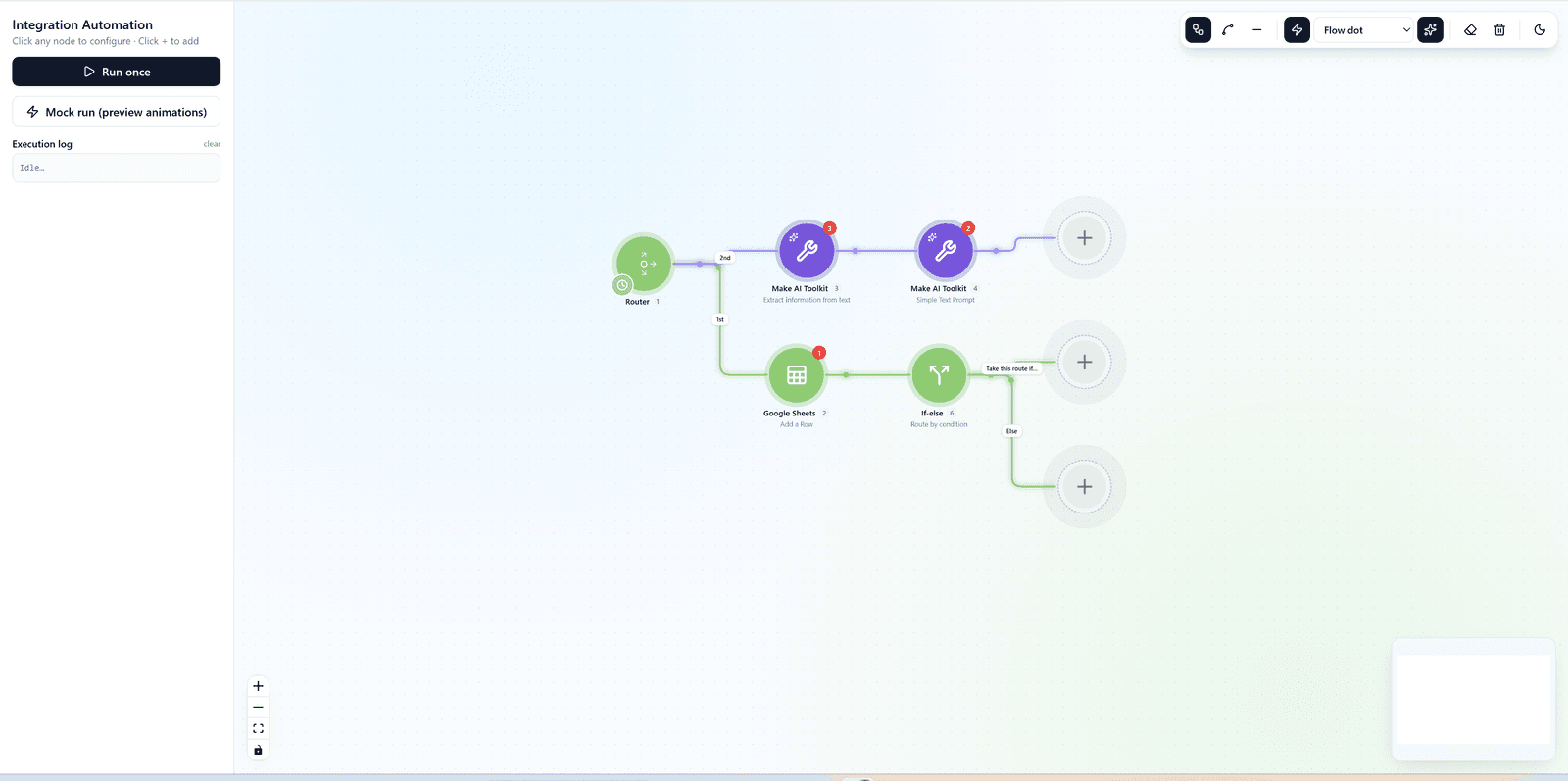
Visualizing Complex Pipelines with Flow Weaver and React Flow
Learn how to build a highly interactive, customizable visual builder and workflow orchestration tool using the premium Flow Weaver template.
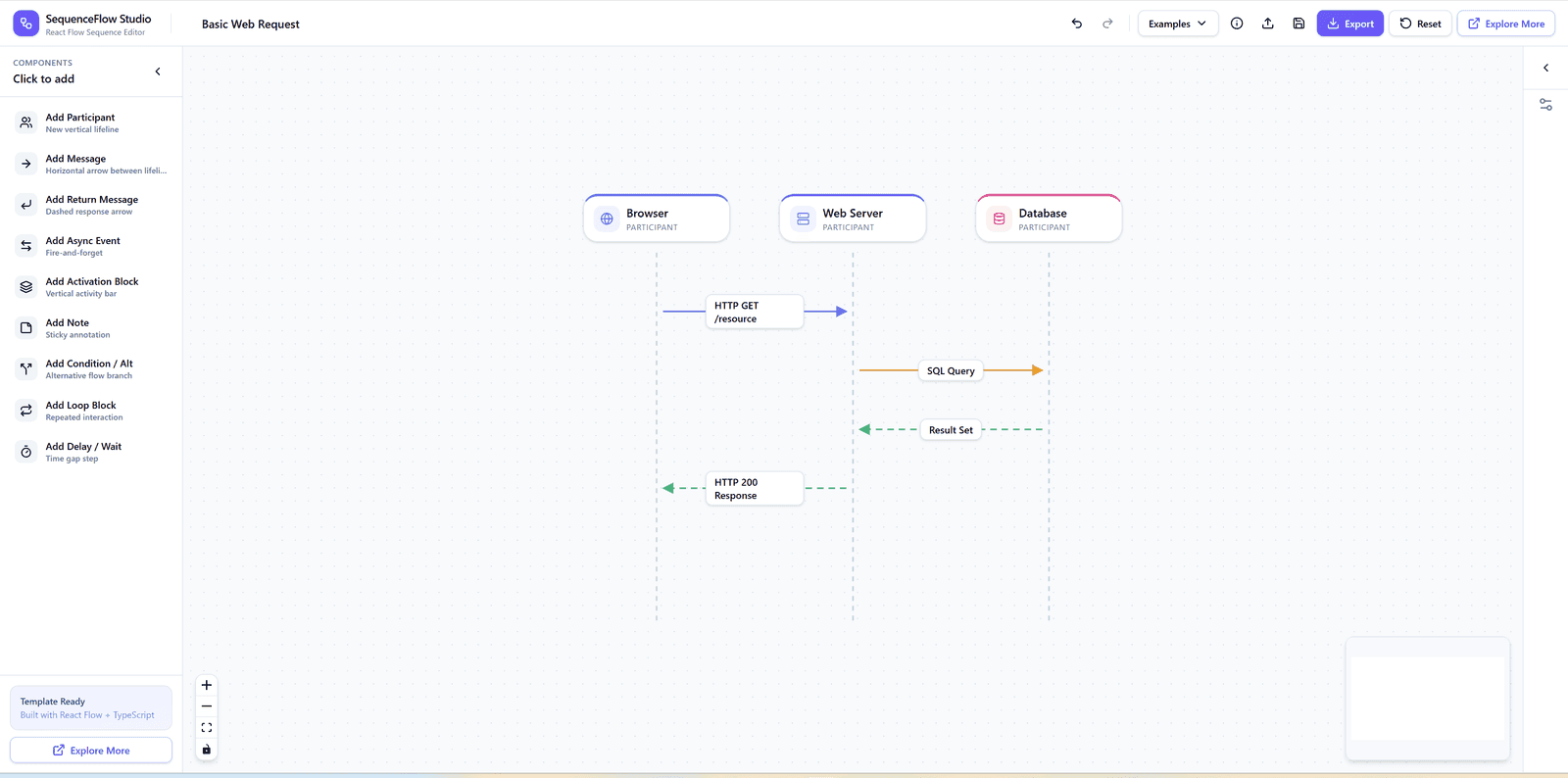
Building UML Sequence Diagrams with React Flow
Learn the complex architectural layout algorithms required to build structured, rigid UML sequence diagrams and timelines using React Flow.
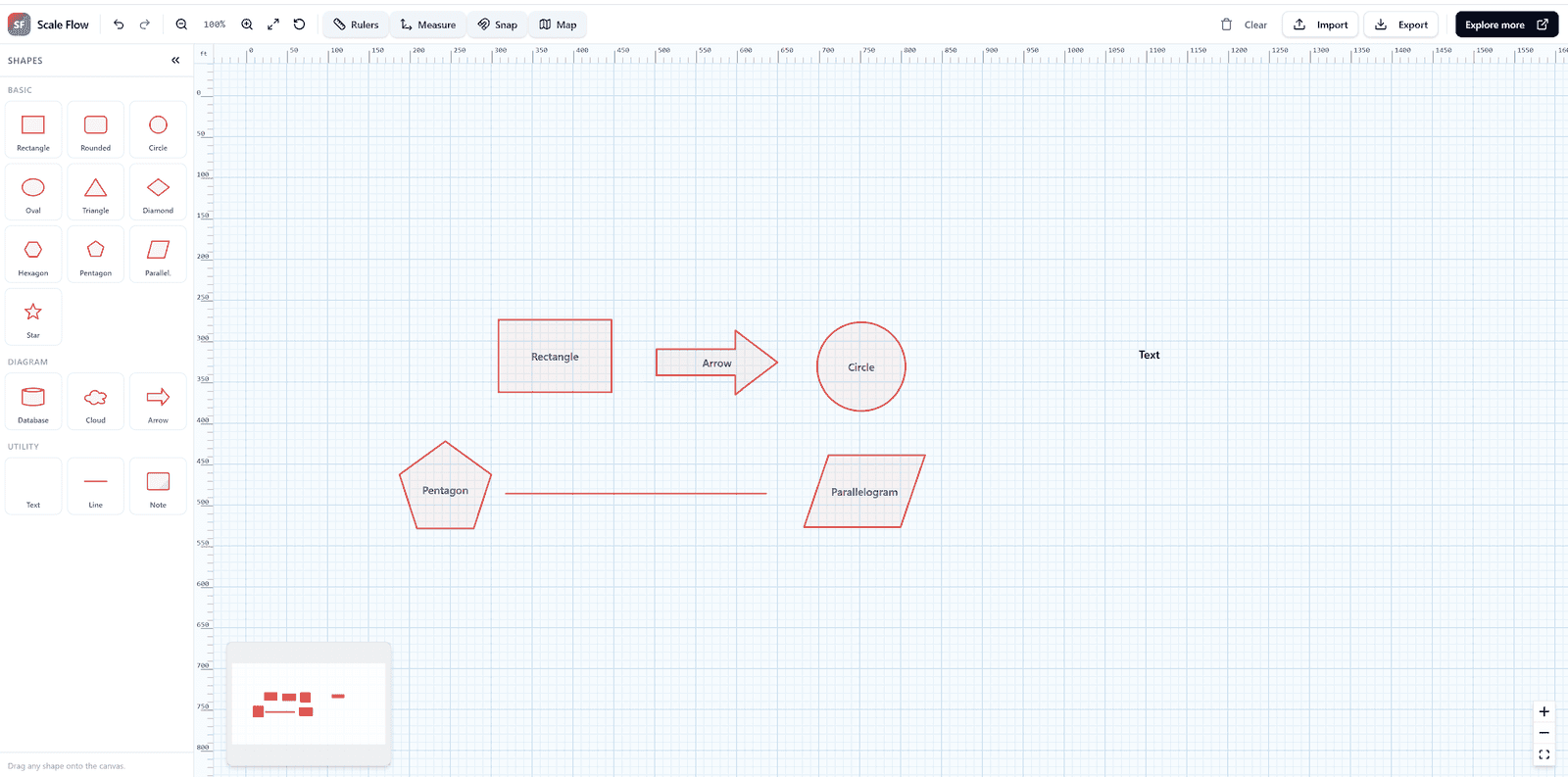
Architecting for Massive Scale in React Flow
A comprehensive guide on handling thousands of nodes with virtualized rendering and advanced minimap optimization in React Flow.