ReactFlow Mindmap: Building Interactive Knowledge Maps with ReactFlow
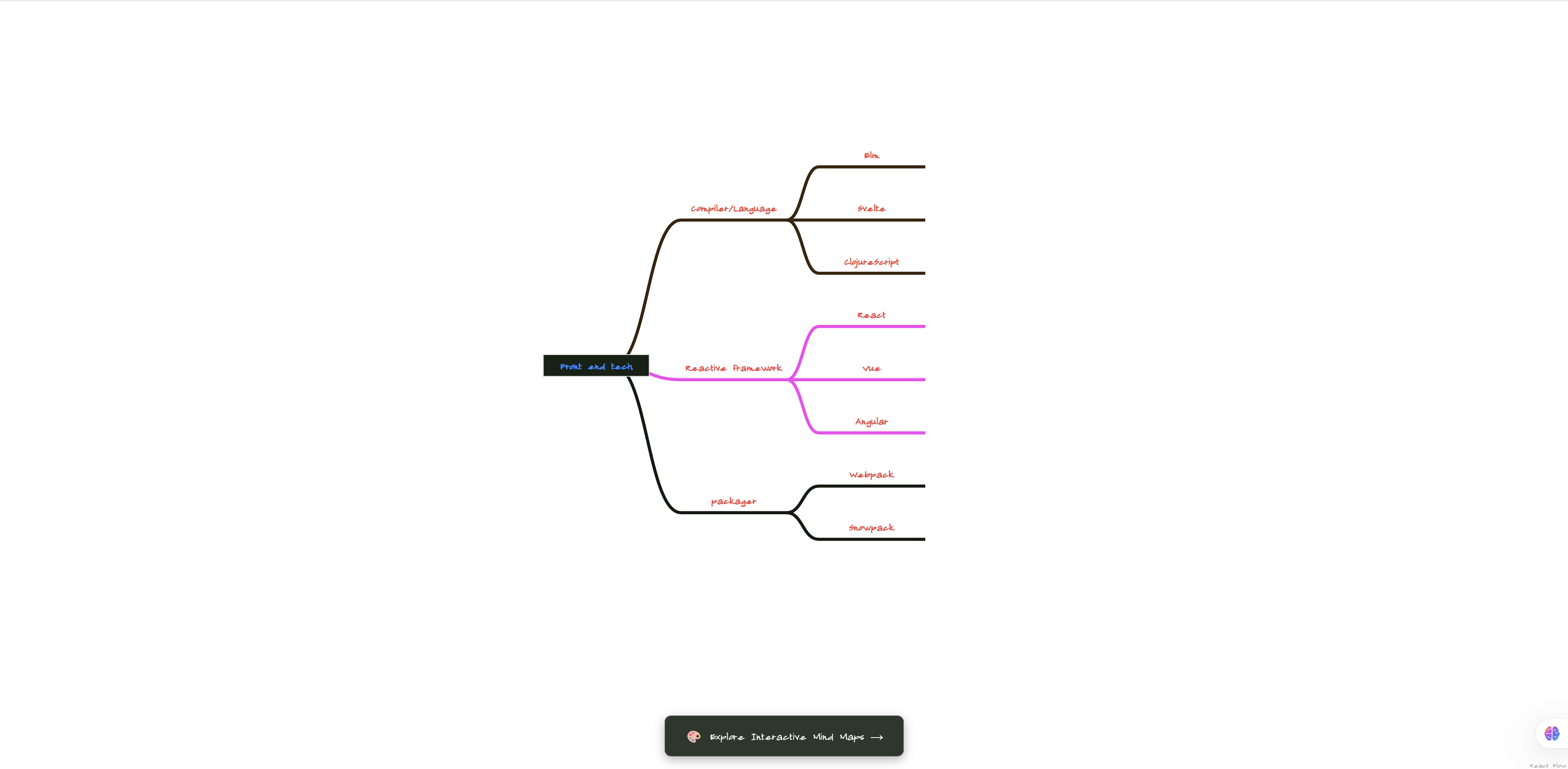
ReactFlow Mindmap transforms the traditional mind mapping experience into an interactive, web-based tool powered by ReactFlow. This powerful example demonstrates how to create beautiful, functional mind maps that go beyond static diagrams, offering real-time editing, collaboration capabilities, and seamless integration with modern web applications.
What is a Mind Map?
A mind map is a visual diagram used to organize information hierarchically around a central concept. It uses a non-linear graphical structure that allows you to capture thoughts, ideas, and information in a way that reflects how your brain naturally works.
Traditional mind maps are static, but ReactFlow enables:
- Interactive editing: Add, remove, and reorganize nodes in real-time
- Dynamic layouts: Automatic positioning with manual override options
- Rich content: Text formatting, images, and links within nodes
- Collaboration: Real-time updates for team brainstorming sessions
- Export options: Save and share your mind maps in multiple formats
Key Features
Hierarchical Structure
Build tree-like mind map structures with:
- Central node: The main topic or concept at the center
- Primary branches: Major themes radiating from the center
- Secondary branches: Sub-topics extending from primary branches
- Tertiary branches: Further details and sub-points
The hierarchical structure makes it easy to:
- See relationships between ideas
- Organize complex information
- Expand and collapse branches
- Navigate large knowledge structures
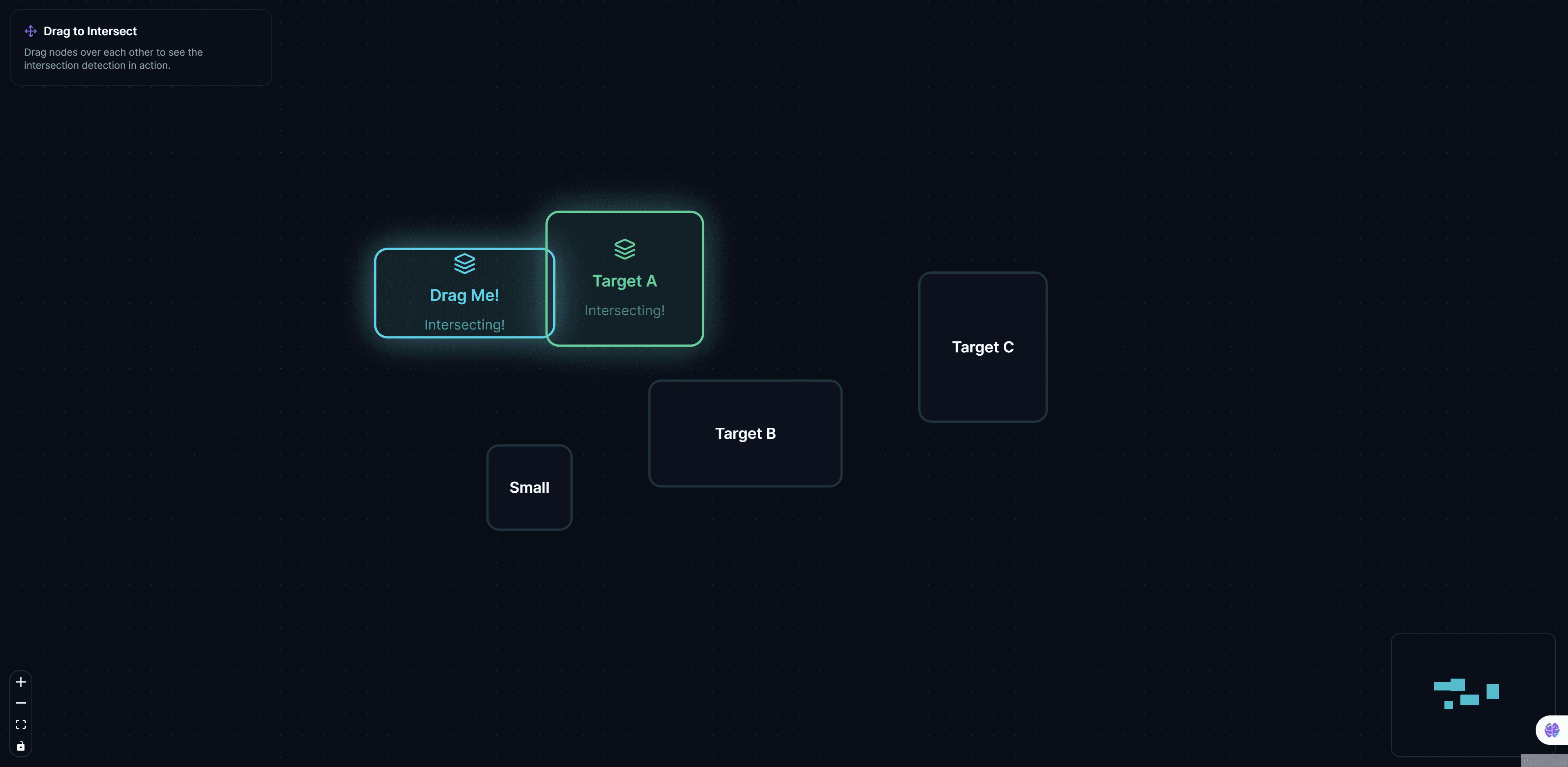
Drag & Drop Interface
Intuitive drag-and-drop functionality allows you to:
- Reposition nodes: Move ideas to different branches easily
- Reorganize structure: Change the hierarchy by dragging nodes
- Merge branches: Combine related concepts
- Split nodes: Break down complex ideas into smaller parts
The drag-and-drop interface makes mind mapping feel natural and fluid, encouraging creative thinking and spontaneous idea generation.
Rich Text Editing
Edit node content with comprehensive formatting options:
- Bold and italic: Emphasize important points
- Lists: Create bulleted or numbered lists within nodes
- Links: Add hyperlinks to external resources
- Colors: Highlight text with different colors
- Font sizes: Adjust text size for hierarchy
Rich text editing transforms simple nodes into comprehensive information containers.
Custom Themes
Choose from multiple color themes or create your own:
- Professional themes: Clean, business-appropriate color schemes
- Creative themes: Vibrant colors for brainstorming sessions
- Minimal themes: Simple, distraction-free designs
- Custom themes: Match your brand or personal preferences
Themes can be applied globally or customized per branch for visual organization.
Export Options
Export your mind maps in multiple formats:
- PNG: High-resolution images for presentations
- SVG: Scalable vector graphics for web and print
- PDF: Professional documentation format
- JSON: Machine-readable format for backup and import
Export capabilities ensure your mind maps can be shared, printed, or integrated into other tools.
Implementation Details
Node Structure
Each mind map node contains:
interface MindMapNode {
  id: string;
  type: 'central' | 'branch' | 'leaf';
  content: string;
  level: number; // Distance from center
  parentId?: string;
  children: string[]; // Child node IDs
  position: { x: number; y: number };
  style: {
    backgroundColor: string;
    borderColor: string;
    fontSize: number;
  };
}
Automatic Layout
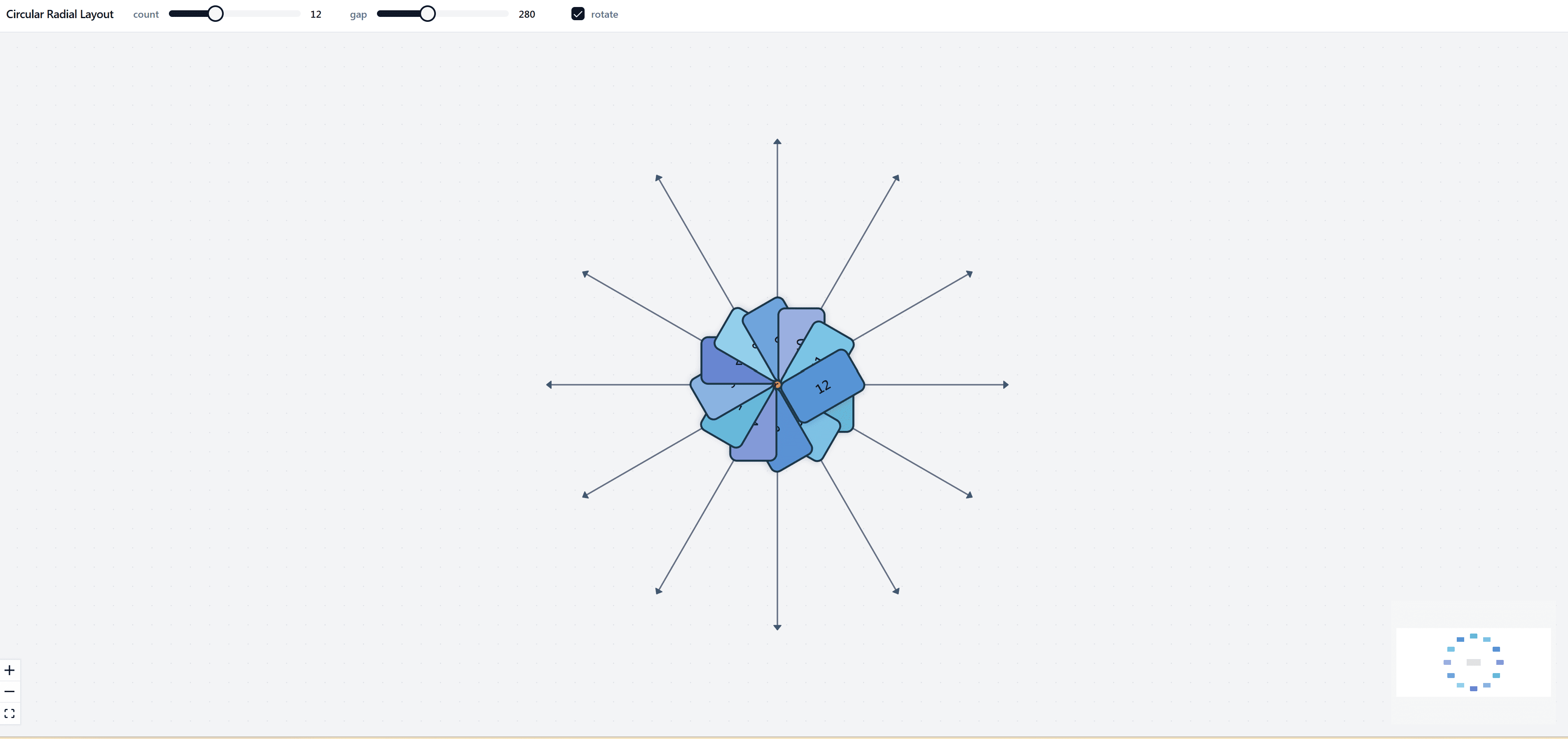
The layout algorithm automatically positions nodes:
// Example: Automatic layout calculation
function calculateLayout(centralNode, nodes) {
  const branches = nodes.filter(n => n.parentId === centralNode.id);
  const angleStep = (2 * Math.PI) / branches.length;

  branches.forEach((branch, index) => {
    const angle = index * angleStep;
    const radius = 200; // Distance from center
    branch.position = {
      x: centralNode.position.x + radius * Math.cos(angle),
      y: centralNode.position.y + radius * Math.sin(angle),
    };

    // Recursively position children
    positionChildren(branch, nodes, angle);
  });
}
Rich Text Editor Integration
Integrate a rich text editor for node content:
// Example: Rich text editor component
import { Editor } from 'rich-text-editor';

const NodeEditor = ({ node, onUpdate }) => {
  return (
    <Editor
      value={node.content}
      onChange={(content) => onUpdate(node.id, { content })}
      placeholder="Enter your idea..."
      toolbar={['bold', 'italic', 'list', 'link']}
    />
  );
};
Use Cases
Brainstorming Sessions
Use mind maps for:
- Team brainstorming: Capture ideas from multiple participants
- Project planning: Organize project components and tasks
- Problem solving: Break down complex problems into manageable parts
- Idea generation: Explore creative solutions and alternatives
Note-Taking
Transform note-taking with:
- Lecture notes: Organize information from classes and presentations
- Meeting notes: Capture key points and action items
- Research notes: Structure findings and references
- Personal journaling: Organize thoughts and reflections
Project Planning
Plan projects effectively by:
- Breaking down tasks: Divide large projects into smaller components
- Identifying dependencies: See relationships between tasks
- Resource allocation: Organize resources by project area
- Timeline visualization: Map out project phases and milestones
Knowledge Management
Organize knowledge with:
- Subject organization: Structure learning materials by topic
- Concept mapping: Visualize relationships between concepts
- Study guides: Create comprehensive study materials
- Reference organization: Organize research and resources
Educational Content
Create educational materials:
- Curriculum design: Organize course content and learning objectives
- Lesson planning: Structure lessons and activities
- Student projects: Guide students in organizing their work
- Assessment planning: Map out evaluation criteria and methods
Best Practices
Central Concept
- Keep it focused: The central node should represent a single, clear concept
- Use keywords: Short, descriptive keywords work best
- Make it prominent: The central node should be visually distinct
Branch Organization
- Limit primary branches: 5-7 main branches work best for readability
- Use keywords: Keep branch labels short and descriptive
- Maintain hierarchy: Keep related ideas grouped together
- Balance branches: Try to distribute content evenly
Visual Design
- Use colors strategically: Different colors for different branches
- Maintain consistency: Use consistent styling within branches
- Keep it readable: Ensure sufficient contrast and font sizes
- Avoid clutter: Don't overcrowd nodes with too much information
Content Organization
- One idea per node: Keep nodes focused on single concepts
- Use hierarchy: Organize information from general to specific
- Add details gradually: Start with main ideas, add details later
- Review and refine: Regularly review and reorganize your mind map
Integration Possibilities
Collaboration Features
Add real-time collaboration:
- Multi-user editing: Multiple users editing simultaneously
- Presence indicators: See who's working on which nodes
- Comments: Add comments and discussions to nodes
- Version history: Track changes and revert if needed
Cloud Storage
Integrate with cloud storage:
- Auto-save: Automatically save changes to cloud storage
- Sync across devices: Access mind maps from any device
- Sharing: Share mind maps with team members
- Backup: Automatic backup of your work
Export Integration
Connect with other tools:
- Project management: Export tasks to project management tools
- Documentation: Convert mind maps to documentation formats
- Presentations: Export slides from mind map structure
- Outlining: Convert to outline format for writing
Benefits
Improved Organization
- Visual structure: See information relationships clearly
- Hierarchical thinking: Organize thoughts systematically
- Better recall: Visual organization improves memory
- Reduced complexity: Break down complex topics into manageable parts
Enhanced Creativity
- Non-linear thinking: Explore ideas without constraints
- Association building: See connections between ideas
- Idea generation: Spark new ideas through visual exploration
- Flexible structure: Adapt and reorganize as ideas develop
Better Communication
- Visual presentation: Share ideas visually with others
- Clear structure: Communicate complex information clearly
- Collaborative tool: Work together on ideas and plans
- Documentation: Create visual documentation of thoughts and plans
Productivity Gains
- Faster organization: Organize information more quickly
- Better planning: Plan projects and tasks more effectively
- Improved focus: Focus on key ideas and relationships
- Time savings: Reduce time spent organizing information
Conclusion
ReactFlow Mindmap demonstrates the power of combining ReactFlow's flexible diagramming capabilities with the intuitive structure of mind maps. The result is a tool that enhances how we think, organize, and communicate ideas.
Whether you're brainstorming new projects, organizing complex information, or planning your next big idea, interactive mind maps provide a powerful way to visualize and structure your thoughts. The combination of hierarchical organization, rich content editing, and intuitive interaction creates an invaluable tool for knowledge work.
Start mapping your ideas today and discover how interactive mind maps can transform your thinking and productivity.