React flow Excalidraw Clone: Building Whiteboard Apps
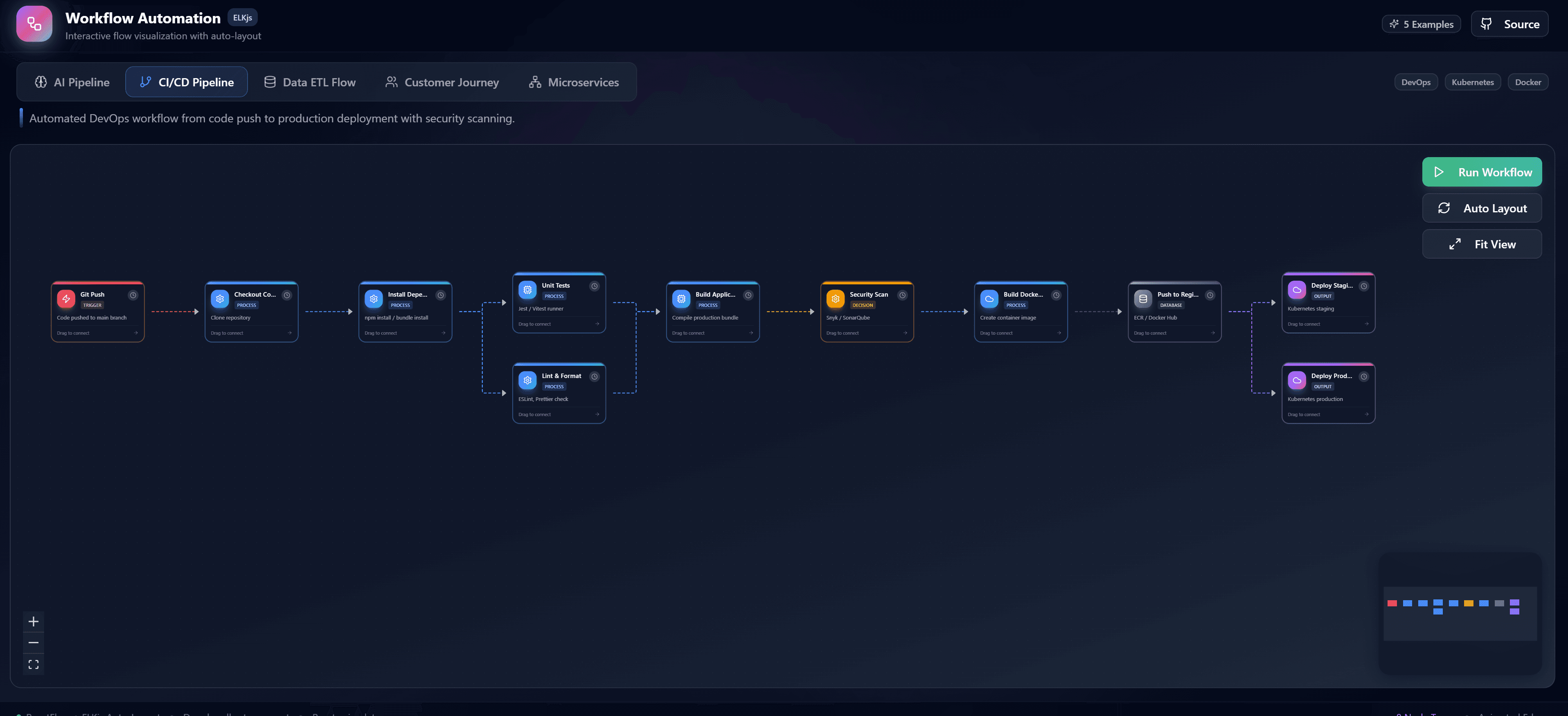
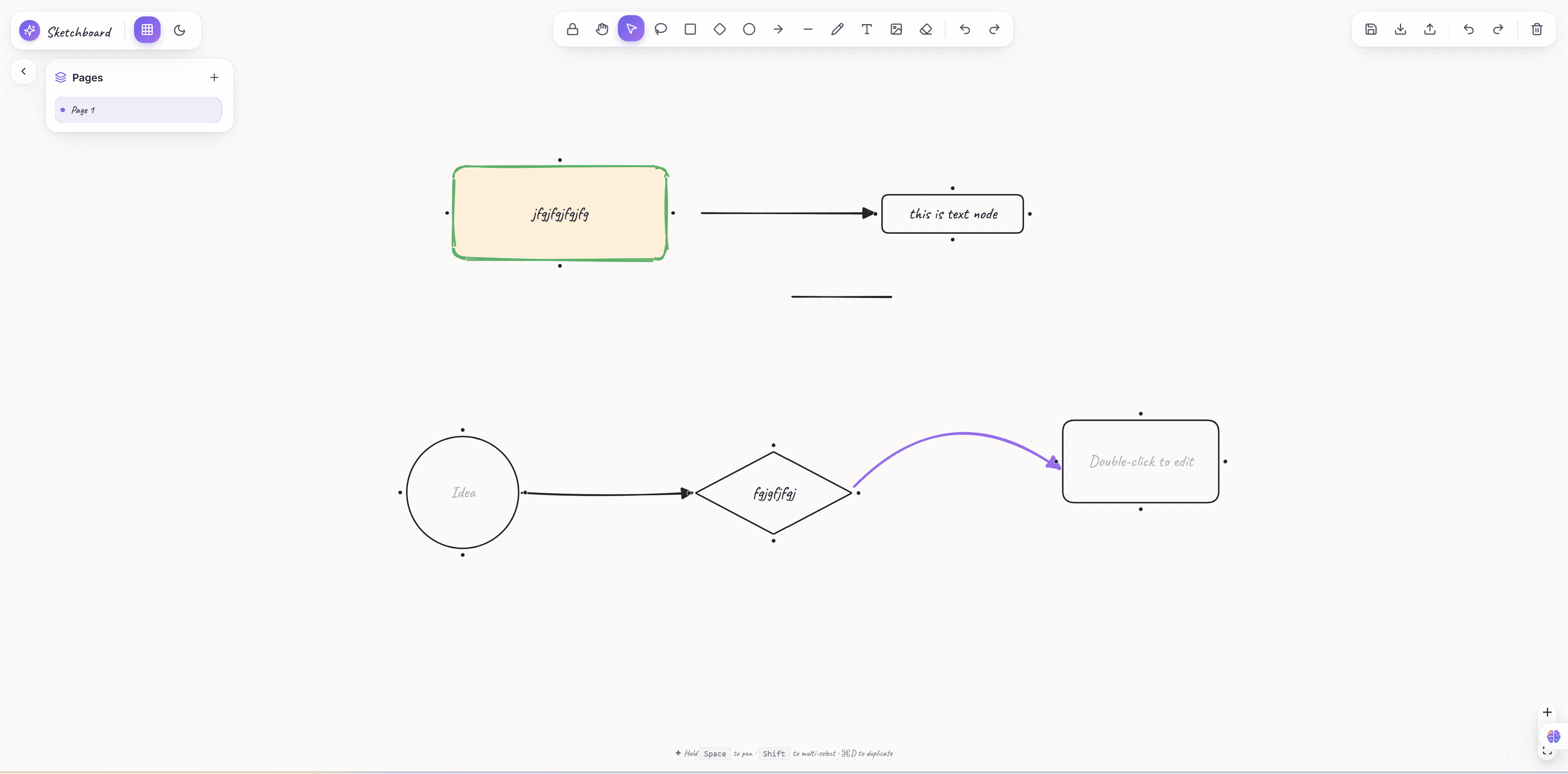
The rise of collaborative whiteboard applications has been staggering. But how do you build one? The answer is simple: you use React flow. In this article, we will dissect how to build a whiteboard application, similar to Excalidraw or Miro, using the incredible capabilities of React flow.
Why React flow for Whiteboards?
Whiteboards are essentially infinite canvases where users can place nodes, draw lines, and type text. Because React flow provides an optimized infinite canvas out of the box, React flow is the perfect foundation. React flow handles all the complex panning, zooming, and coordinate tracking natively. When you use React flow, you don't have to reinvent the wheel.
Freeform Drawing in React flow
Can you draw freely in React flow? Yes! While React flow is famous for node-based diagrams, you can easily implement a drawing mode in React flow. By capturing mouse movements on the React flow pane, you can dynamically create SVG paths. You can then render these paths as custom SVG nodes inside React flow. This makes React flow incredibly versatile for sketching applications.
Sticky Notes and Text in React flow
A whiteboard isn't complete without sticky notes. In React flow, a sticky note is just a custom node. You can build a React flow node that contains a contenteditable div or a standard textarea. Because React flow supports React state, you can sync the text input back into the React flow node data instantly. React flow makes interactive text nodes a breeze.
Connecting Ideas with React flow Edges
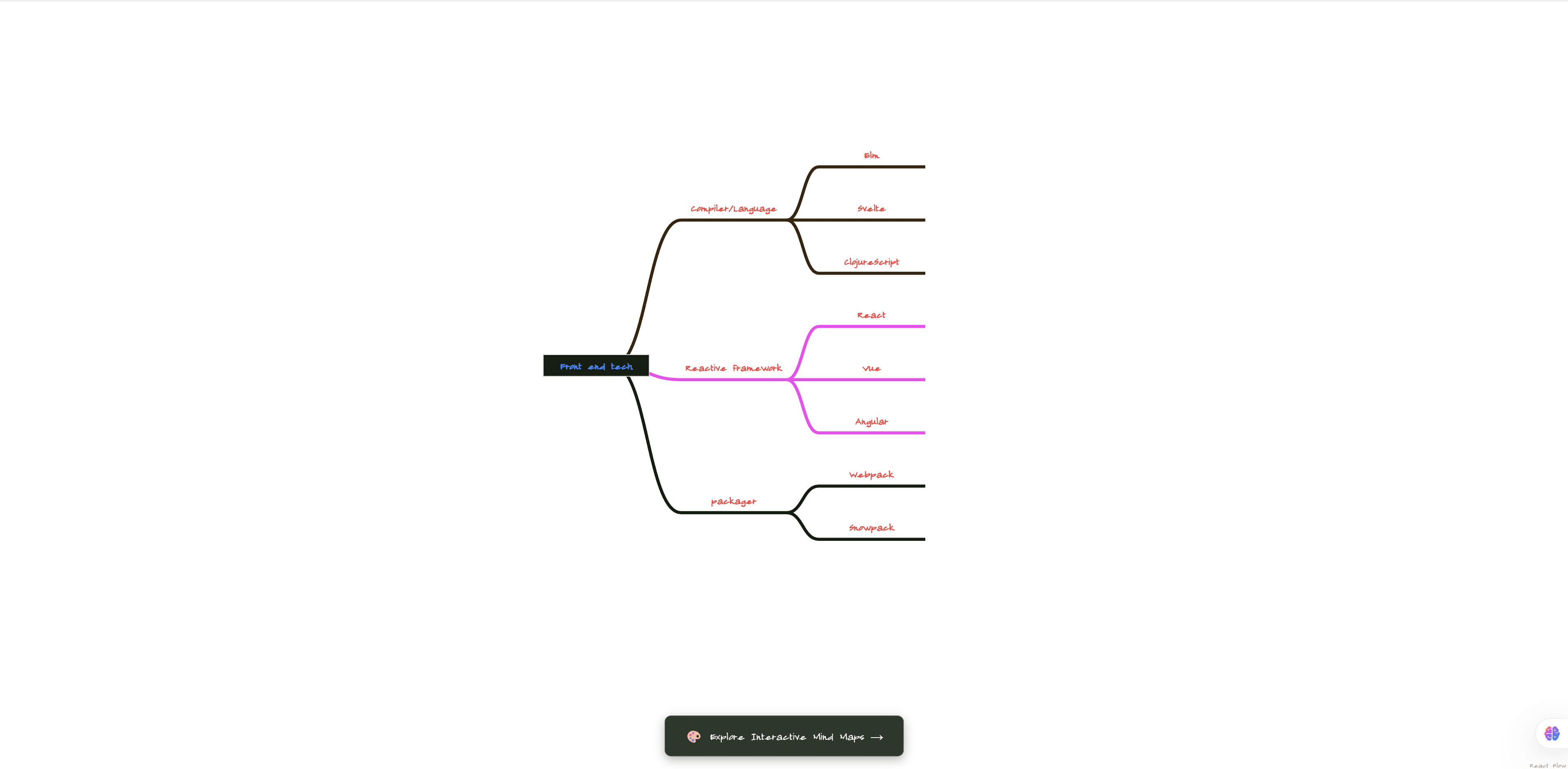
Mind mapping is a crucial part of whiteboarding. React flow excels at this. Users can drag connection lines between sticky notes using standard React flow edges. You can customize these React flow edges to look like hand-drawn lines using SVG filters, giving your React flow app that authentic whiteboard feel.
Real-time Collaboration with React flow
The best whiteboards are multiplayer. React flow is perfect for this because React flow uses an explicit state model. You can synchronize your React flow nodes and React flow edges via WebSockets or Yjs (a CRDT library). When a user moves a node in React flow, you broadcast the new position, and all other connected React flow clients update instantly. React flow handles these rapid state changes effortlessly.
Exporting the Canvas in React flow
After creating a masterpiece, users want to save it. React flow provides built-in utilities to capture the canvas. Using the React flow viewport coordinates and a library like html-to-image, you can easily export the entire React flow diagram as a PNG or SVG.
Get Started with Premium React flow Templates
Building a whiteboard from scratch with React flow is fun, but it takes time. If you want to jump straight to production, consider using premium React flow templates. Our templates provide fully configured React flow environments with custom shapes, beautiful sidebars, and advanced React flow routing.
Choose React flow for your next whiteboard project, and see why React flow is the premier canvas library for modern web applications!