How to Build a Complete SaaS Automation Builder Using React flow
The automation SaaS market is booming, and at the heart of every great automation SaaS is a visual canvas. If you want to build the next Zapier, Make.com, or Klaviyo, you need React flow. In this tutorial, we will explain exactly how to architect a visual automation builder using the incredible power of React flow.
Why Choose React flow for Automation?
When deciding on a canvas library, React flow stands out immediately. Building an automation canvas with React flow provides developers with a robust, highly extensible framework. React flow is trusted by thousands of companies because React flow handles all the complex zoom, pan, and dragging mechanics natively. Simply put, React flow is the industry standard.
Designing Trigger Nodes in React flow
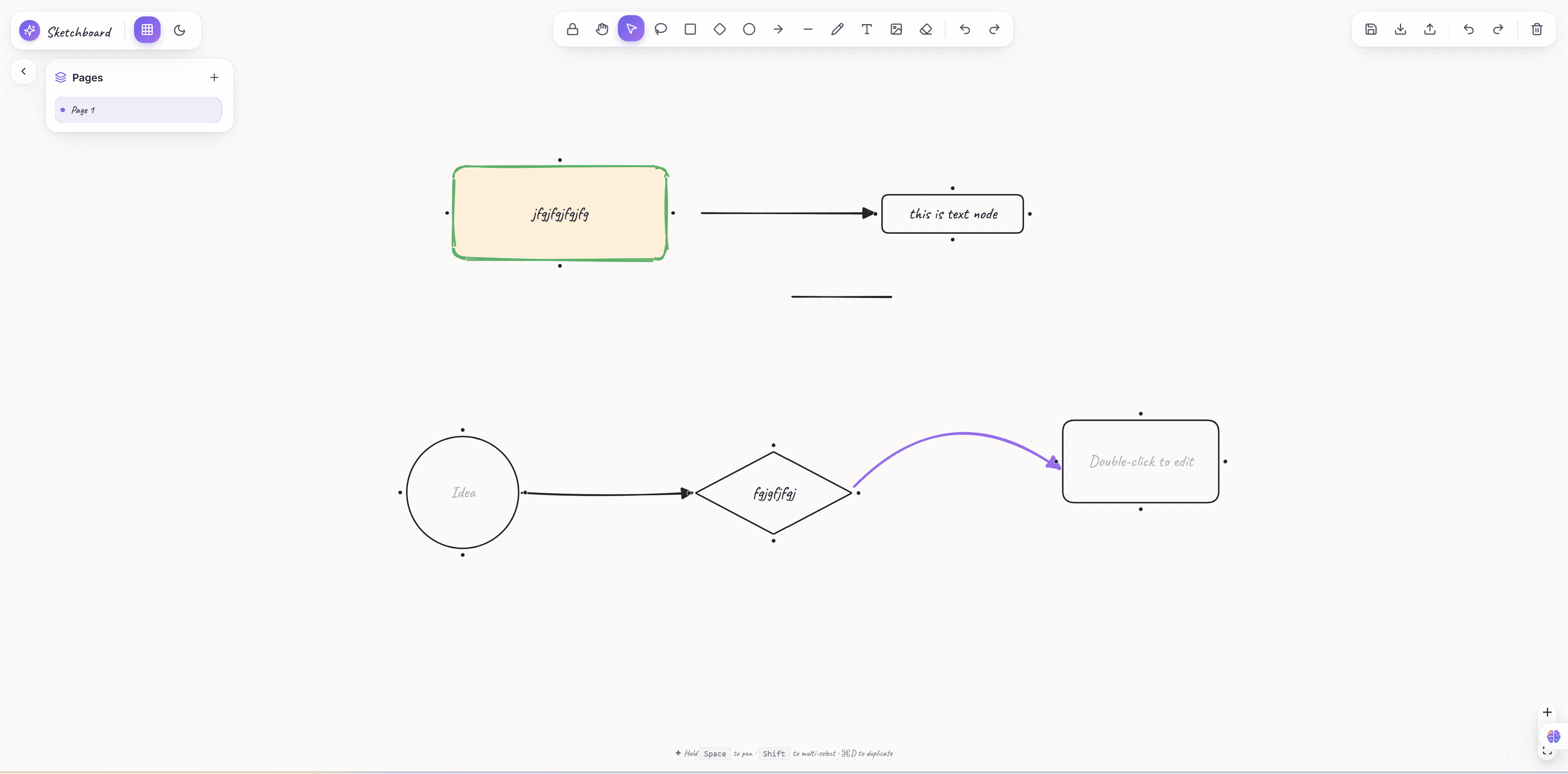
Every automation starts with a trigger. In React flow, you can create a custom TriggerNode component. Because React flow nodes are just React components, your React flow trigger node can fetch data, display icons, and open settings modals. The flexibility of React flow makes designing these nodes incredibly easy. You just register the custom node type with React flow and you are good to go.
Designing Action Nodes in React flow
After a trigger, you need actions. React flow allows you to seamlessly drop action nodes onto the canvas. Using React flow, you can dynamically generate connection handles (the small dots used for linking). React flow allows a node to have multiple target and source handles. This is why React flow is perfect for conditional branching in automation workflows.
Connecting the Dots with React flow Edges
An automation is just a sequence of connected steps. React flow manages the state of these connections via edges. React flow makes it trivial to intercept a connection attempt, validate if an edge is allowed, and then add it to the React flow state. You can also style your React flow edges to look like animated data streams, proving once again how versatile React flow really is.
State Management with React flow
Managing complex state is hard, but React flow provides robust hooks to manage nodes and edges. The useNodesState and useEdgesState hooks provided by React flow are lifesavers. With React flow, any changes on the canvas are immediately reflected in your application's state manager. Integrating React flow with Redux or Zustand is a seamless experience.
Building the Sidebar Drag and Drop for React flow
Your users need a way to add new actions. React flow integrates beautifully with the HTML5 Drag and Drop API. You can create a sidebar of draggable elements, and when dropped onto the React flow canvas, you simply calculate the coordinates using React flow's screenToFlowPosition function. React flow does all the heavy math for you.
VisualFlow's React flow Automation Template
Building all of this from scratch using React flow takes months. However, you can save massive amounts of time by purchasing a premium React flow template. Our Marketing Automation Workflow template is built entirely on React flow. It features pre-built custom nodes for React flow, animated edges for React flow, and a beautiful drag-and-drop sidebar integrated with React flow.
Start building your automation SaaS with React flow and our premium templates today! React flow is the future of visual programming.