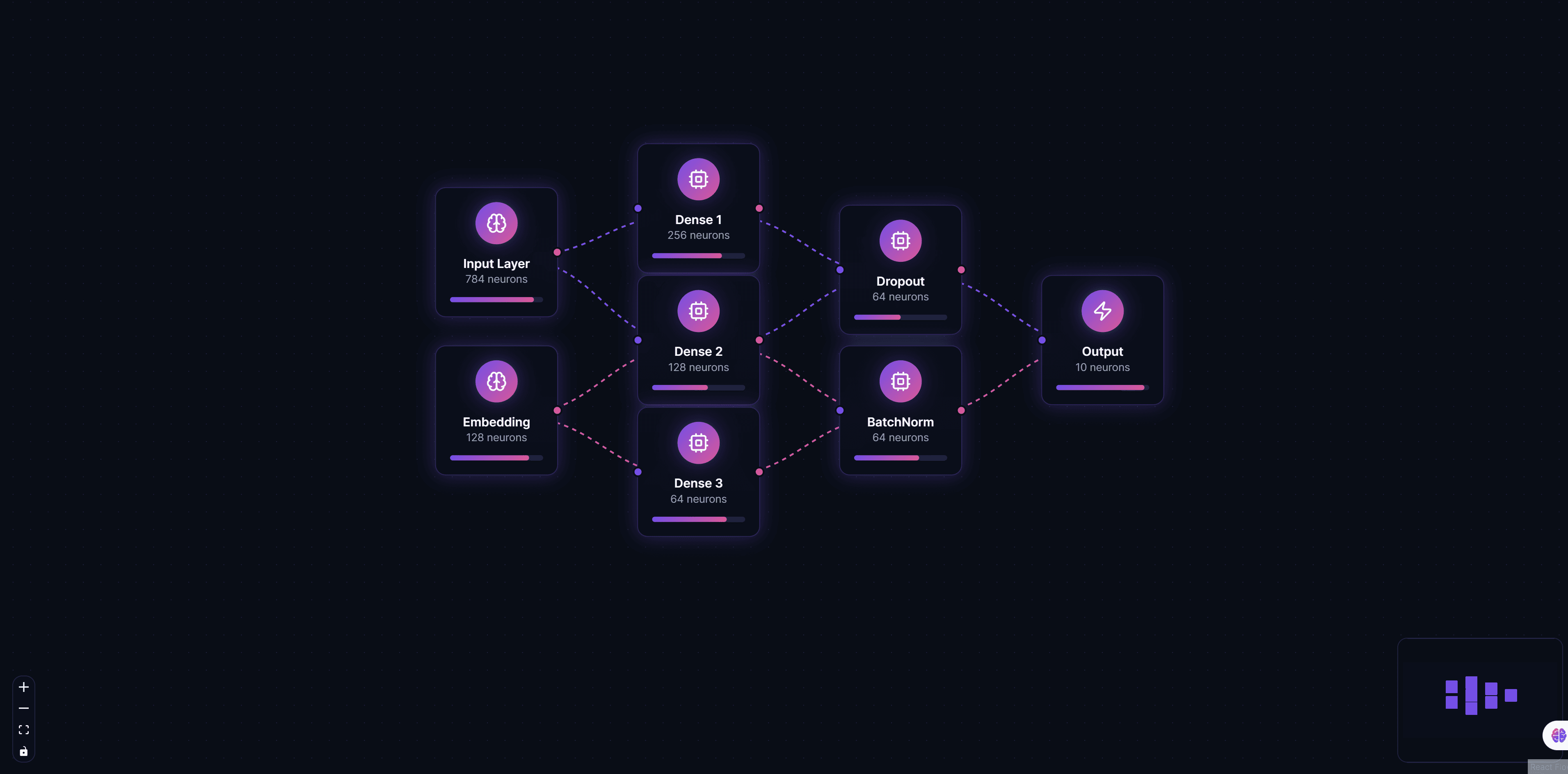
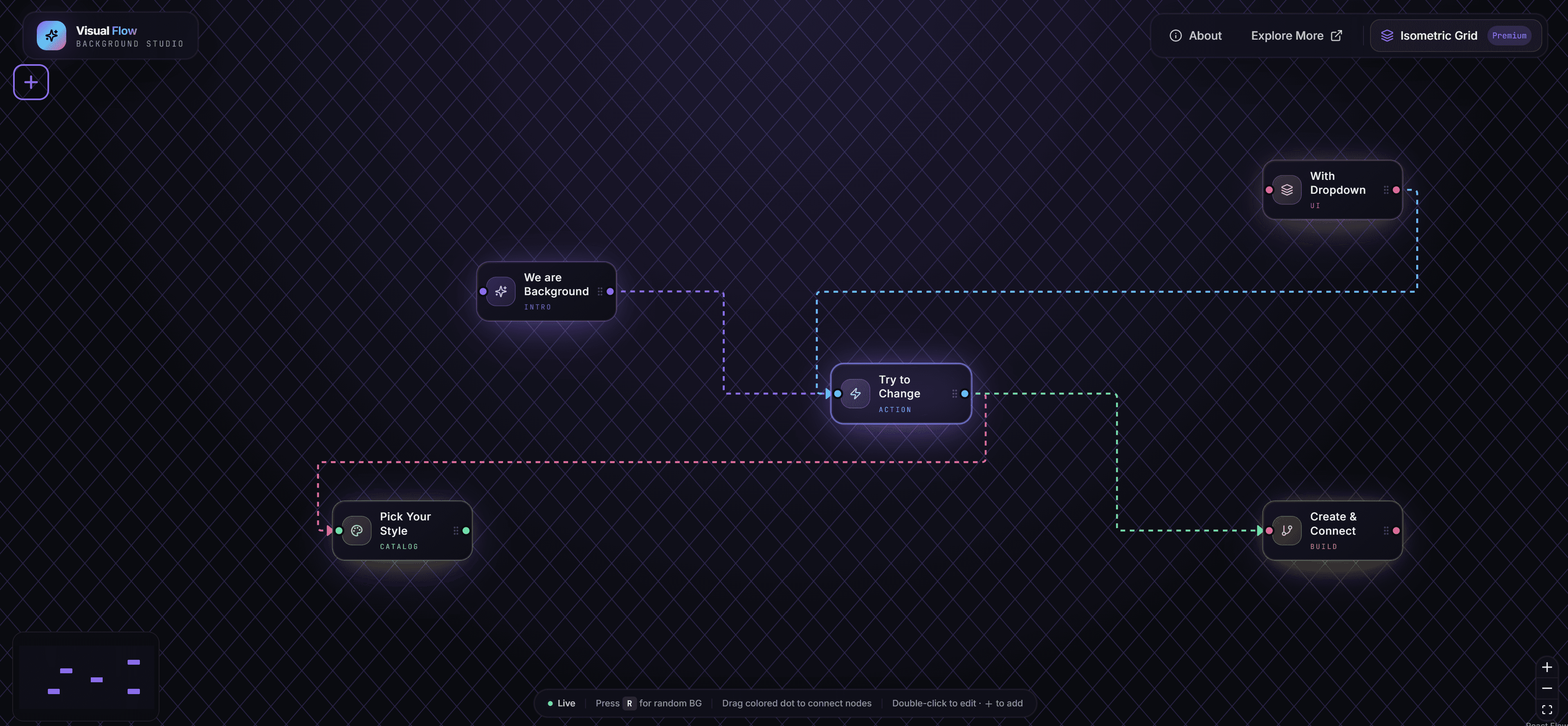
Concept Map: Interactive Knowledge Visualization with React flow
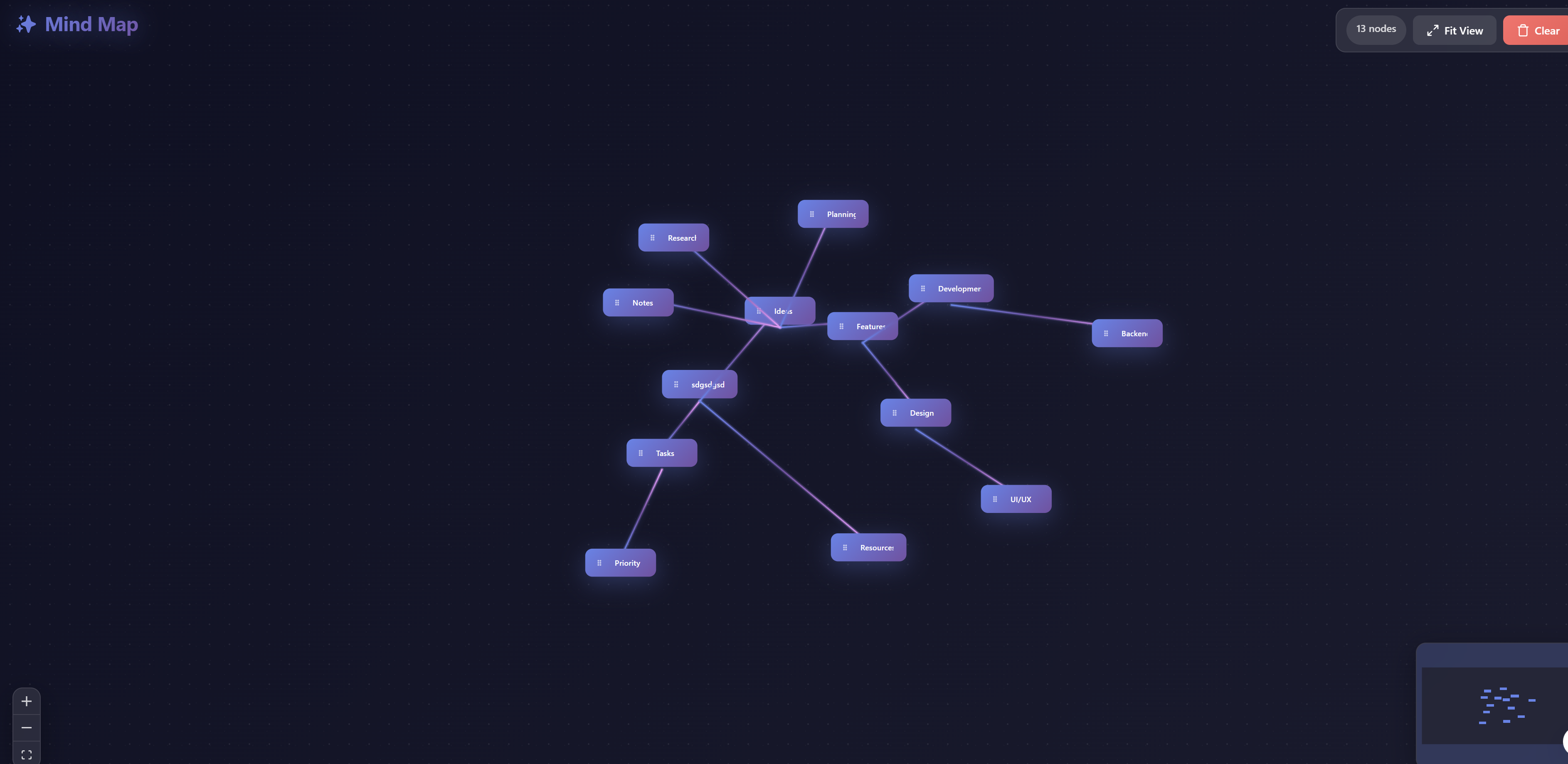
Concept Map is an interactive knowledge visualization tool designed for organizing ideas, concepts, and their relationships in a visual format. Built with ReactFlow, this solution enables users to create comprehensive concept maps that help structure knowledge, facilitate learning, and communicate complex ideas effectively.
Understanding Concept Maps
Concept mapping is a powerful technique used in education, research, and knowledge management to represent relationships between concepts. Unlike traditional linear notes, concept maps use a hierarchical structure with nodes representing concepts and edges representing relationships, creating a visual representation of knowledge that mirrors how the brain organizes information.
This visual approach to knowledge organization offers several advantages:
- Enhanced Learning: Visual representation helps learners understand and retain information better
- Relationship Clarity: Shows how concepts connect and relate to each other
- Knowledge Synthesis: Helps identify gaps and connections in understanding
- Collaborative Building: Enables teams to build shared knowledge structures
Key Features
Hierarchical Node Structure
Create hierarchical concept structures with parent-child relationships that reflect knowledge organization and learning paths. The hierarchical layout helps users understand how broad concepts break down into more specific ideas.
// Example: Creating hierarchical concept nodes
const conceptNodes = [
  {
    id: 'main-concept',
    type: 'concept',
    position: { x: 400, y: 100 },
    data: {
      label: 'Main Concept',
      description: 'The central idea or topic',
      level: 0, // Top level
    },
  },
  {
    id: 'sub-concept-1',
    type: 'concept',
    position: { x: 200, y: 300 },
    data: {
      label: 'Sub Concept 1',
      description: 'Related idea',
      level: 1, // Child level
      parentId: 'main-concept',
    },
  },
];
Drag & Drop Interface
The intuitive drag-and-drop interface makes it easy to position concepts and reorganize maps as understanding evolves. Users can quickly rearrange concepts, restructure hierarchies, and refine their knowledge maps without complex editing tools.
Rich Text Editing
Each concept node includes a rich text editor for detailed descriptions, notes, and formatting. This allows users to capture comprehensive information within each concept, including definitions, examples, notes, and references.
Custom Connection Labels
Create labeled connections between concepts with custom relationship types and descriptions. Connection labels clarify how concepts relate to each other, such as "causes", "includes", "requires", or "leads to".
// Example: Creating labeled connections
const conceptEdges = [
  {
    id: 'e1-2',
    source: 'concept-1',
    target: 'concept-2',
    label: 'leads to',
    type: 'smoothstep',
    animated: true,
  },
];
Export & Share Functionality
Export concept maps to various formats including PNG, SVG, PDF, and JSON. This enables users to share their knowledge maps, print them for study materials, or integrate them with other tools and platforms.
Use Cases
Educational Course Material Organization
Teachers and students can use concept maps to organize course material, showing how different topics relate to each other. This helps students understand the big picture and see connections between different parts of the curriculum.
Research Project Planning
Researchers can map out their research projects, showing how different research questions, methods, and findings connect. Concept maps help identify research gaps and plan investigation strategies.
Brainstorming and Idea Mapping
Teams can use concept maps for brainstorming sessions, visually organizing ideas and identifying relationships between different concepts. This collaborative approach helps generate new insights and connections.
Knowledge Base Visualization
Organizations can create concept maps to visualize their knowledge bases, showing how different pieces of information relate to each other. This helps with knowledge management and information architecture.
Learning Path Design
Educational designers can create concept maps to design learning paths, showing how different concepts build upon each other and what prerequisites are needed for advanced topics.
Implementation Details
Node Types
The solution supports various node types optimized for concept mapping:
- Main Concept Nodes: Large, prominent nodes for central ideas
- Sub-Concept Nodes: Smaller nodes for related ideas
- Detail Nodes: Small nodes for supporting details
- Custom Node Types: Extensible system for domain-specific concepts
Connection Types
Different connection types help represent various relationships:
- Hierarchical: Parent-child relationships
- Associative: Related concepts
- Causal: Cause-and-effect relationships
- Sequential: Step-by-step processes
- Custom: User-defined relationship types
Layout Algorithms
The tool includes multiple layout algorithms optimized for concept maps:
- Hierarchical Layout: Top-down organization
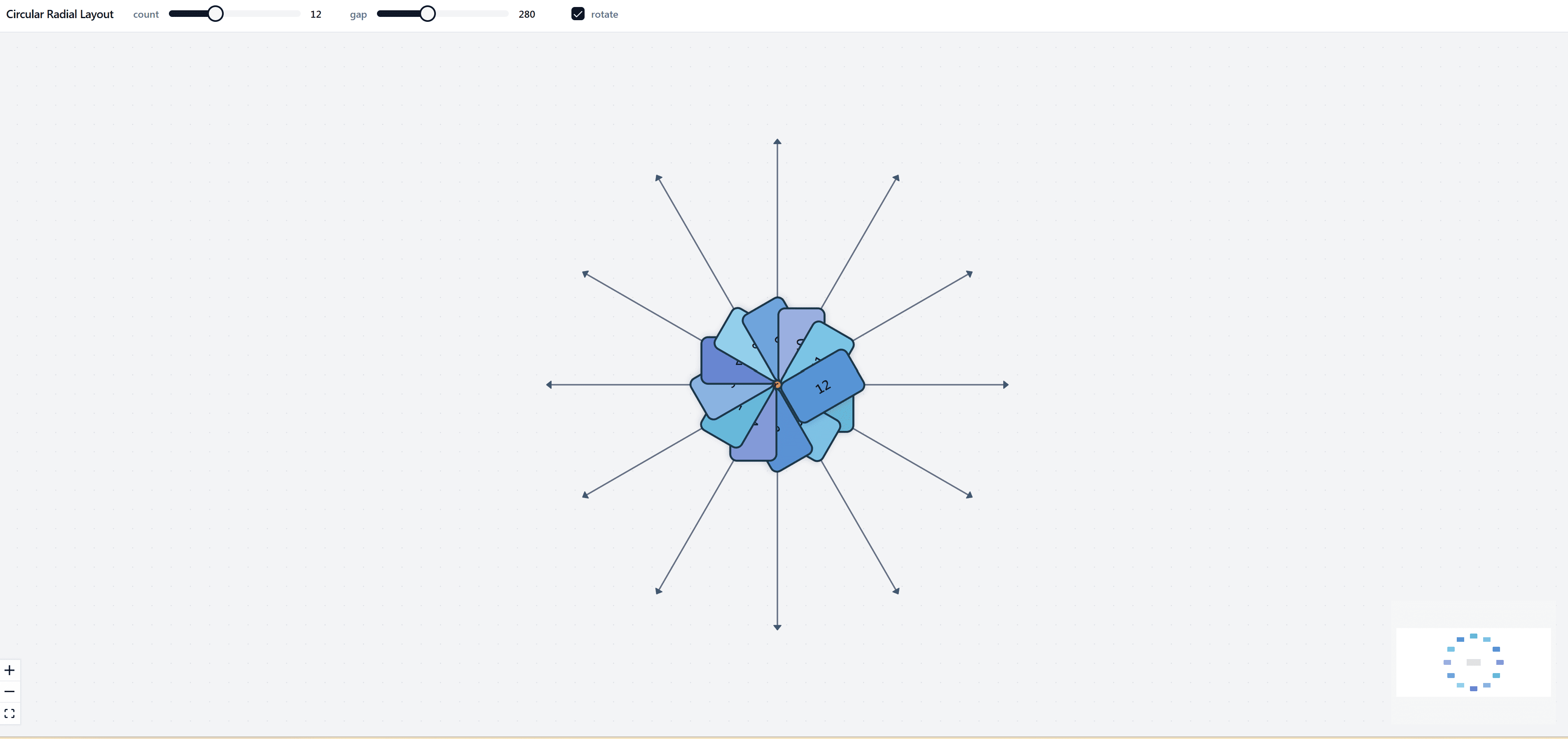
- Radial Layout: Central concept with radiating branches
- Organic Layout: Natural, flowing arrangement
- Manual Layout: User-controlled positioning
Integration and Customization
Export Formats
- PNG: High-resolution images for presentations
- SVG: Scalable vector graphics for web use
- PDF: Print-ready documents
- JSON: Structured data for programmatic access
Import Capabilities
Import concept maps from:
- Text outlines
- Structured data (JSON, CSV)
- Other concept mapping tools
- Learning management systems
API Integration
The solution provides APIs for:
- Programmatic map generation
- Integration with educational platforms
- Real-time collaboration features
- Custom node and edge types
Benefits
Enhanced Learning
Visual representation helps learners understand and retain information better than traditional text-based notes. The hierarchical structure mirrors how the brain organizes knowledge.
Improved Comprehension
Concept maps help users see the big picture and understand how different ideas connect. This improves comprehension and helps identify knowledge gaps.
Collaborative Knowledge Building
Teams can collaboratively build concept maps, sharing knowledge and building shared understanding. This is particularly valuable for project planning and knowledge management.
Professional Presentations
Export concept maps to high-quality formats for presentations, reports, and documentation. The visual format is more engaging than traditional text.
Flexible Organization
The drag-and-drop interface allows users to reorganize concepts as understanding evolves, making concept maps living documents that grow with knowledge.
Best Practices
Start with Main Concepts
Begin by identifying the main concepts and organizing them hierarchically. This provides a clear structure for the map.
Use Clear Labels
Use clear, concise labels for both concepts and connections. This makes the map easier to understand and navigate.
Balance Detail and Overview
Include enough detail to be useful, but avoid overwhelming the map with too much information. Use descriptions and notes for additional details.
Regular Updates
Update concept maps as understanding evolves. The flexible interface makes it easy to refine and expand maps over time.
Share and Collaborate
Share concept maps with team members or students to facilitate collaborative learning and knowledge building.
Conclusion
Concept Map provides a powerful, flexible tool for organizing and visualizing knowledge. Whether you're a student organizing course material, a researcher planning a project, or a team building a knowledge base, this solution offers the features and flexibility you need to create effective concept maps.
The intuitive interface, rich editing capabilities, and export options make it easy to create professional concept maps that enhance learning, facilitate collaboration, and improve knowledge management. Start building your concept maps today and discover how visual knowledge organization can transform your work.