React Flow Funnel Studio — Build, Visualise, and Understand Customer Journeys
Pro
About React Flow Funnel Studio — Build, Visualise, and Understand Customer Journeys
Build and customize interactive conversion funnels with React Flow Funnel Studio by VisualFlow. Visualize sales pipelines, marketing funnels, conversion rates, and drop-off analytics.
Funnel Studio – Design, Visualize, and Optimize Conversion Funnels with React Flow
Funnel Studio by VisualFlow is a powerful, interactive funnel builder built with React Flow, designed to help users create, customize, visualize, and analyze multi-stage conversion funnels. It provides a visual workspace for designing everything from marketing funnels and sales pipelines to lead generation workflows, SaaS onboarding journeys, and e-commerce conversion processes.
With an intuitive drag-and-drop interface, customizable funnel stages, color palettes, and built-in performance analytics, Funnel Studio makes it easier to understand how users move through each stage of a conversion journey.
Whether you are a marketer, product manager, business analyst, or developer, Funnel Studio provides a flexible environment for building professional funnel diagrams without complex diagramming workflows.
Key Features of React Flow Funnel Studio
1. Interactive Funnel Builder
Create professional multi-stage conversion funnels using an intuitive visual editor. Add funnel stages, arrange their structure, and visualize how users progress from initial interactions to final conversions.
2. Prebuilt Funnel Templates
Get started quickly with predefined funnel structures, including:
- Three-stage funnel
- Six-stage funnel
- Custom multi-stage funnels
These ready-made structures help users build marketing, sales, and conversion diagrams faster.
3. Fully Customizable Funnel Stages
Personalize individual funnel stages through a dedicated properties panel. Customize:
- Stage names and descriptions
- Conversion values and stage numbers
- Colors and visual styles
- Icons and icon sizes
- Font family, weight, and size
- Text alignment and text colors
This flexibility makes it easy to create funnel diagrams that match different business requirements and visual identities.
4. Multiple Color Palettes and Themes
Choose from a variety of built-in color palettes to give your funnel a professional appearance. Available palettes include Classic, Ocean, Sunset, Forest, Berry, Mono, Color-blind Safe, and Teal.
Apply palettes across selected funnel stages to create consistent and visually appealing diagrams.
5. Funnel Performance Analytics
Understand conversion performance with built-in metrics and analytics. Monitor important funnel indicators, including:
- Overall Conversion
- Total Drop-off
- Initial Users
- Final Conversions
These metrics help users identify where potential customers leave the funnel and understand how effectively each stage contributes to the final outcome.
6. Real-Time Funnel Visualization
Visualize conversion data through clearly structured funnel stages. Display values and stage information alongside the funnel to make performance differences, user drop-offs, and conversion progress easier to interpret.
7. Interactive Canvas Controls
Manage your funnel diagrams with convenient editing and navigation tools. Zoom, pan, select, duplicate, arrange, and manage diagram elements through an interactive canvas.
8. Export and Share Funnel Diagrams
Prepare your funnel visualizations for documentation, presentations, reporting, and collaboration with export capabilities. Turn your diagrams into shareable visual assets for business and product discussions.
9. Built with React Flow
Powered by React Flow, Funnel Studio demonstrates how node-based interfaces can support advanced business visualization tools. Its flexible architecture provides a foundation for interactive editing, customizable components, and scalable visual workflows.
What Can You Build with Funnel Studio?
Funnel Studio supports a wide range of business and product visualization scenarios:
- Marketing Funnels: Visualize customer journeys from advertising exposure to engagement, sign-ups, and purchases.
- Sales Pipelines: Map sales stages, track potential customers, and understand conversion progress.
- Lead Generation Funnels: Visualize how prospects move from initial interest to qualified leads.
- SaaS Onboarding Funnels: Map user registration, product activation, engagement, and subscription stages.
- E-commerce Conversion Funnels: Analyze the customer journey from product discovery to checkout and completed orders.
- Business Performance Reports: Present conversion metrics, drop-offs, and funnel performance in an easy-to-understand visual format.
Why Use React Flow Funnel Studio?
Traditional funnel diagrams can be difficult to maintain when stages, values, and visual requirements change. Funnel Studio simplifies this process by combining interactive diagram editing, customizable funnel components, and performance metrics in one workspace.
Instead of manually designing every funnel diagram, users can build structured visualizations, adjust individual stages, apply consistent styling, and analyze conversion metrics through a single interface.
Explore Funnel Studio by VisualFlow to create interactive conversion funnels, visualize customer journeys, and build professional business diagrams with React Flow.
Key Features & Capabilities
Architecture & Technologies
Related Blueprints
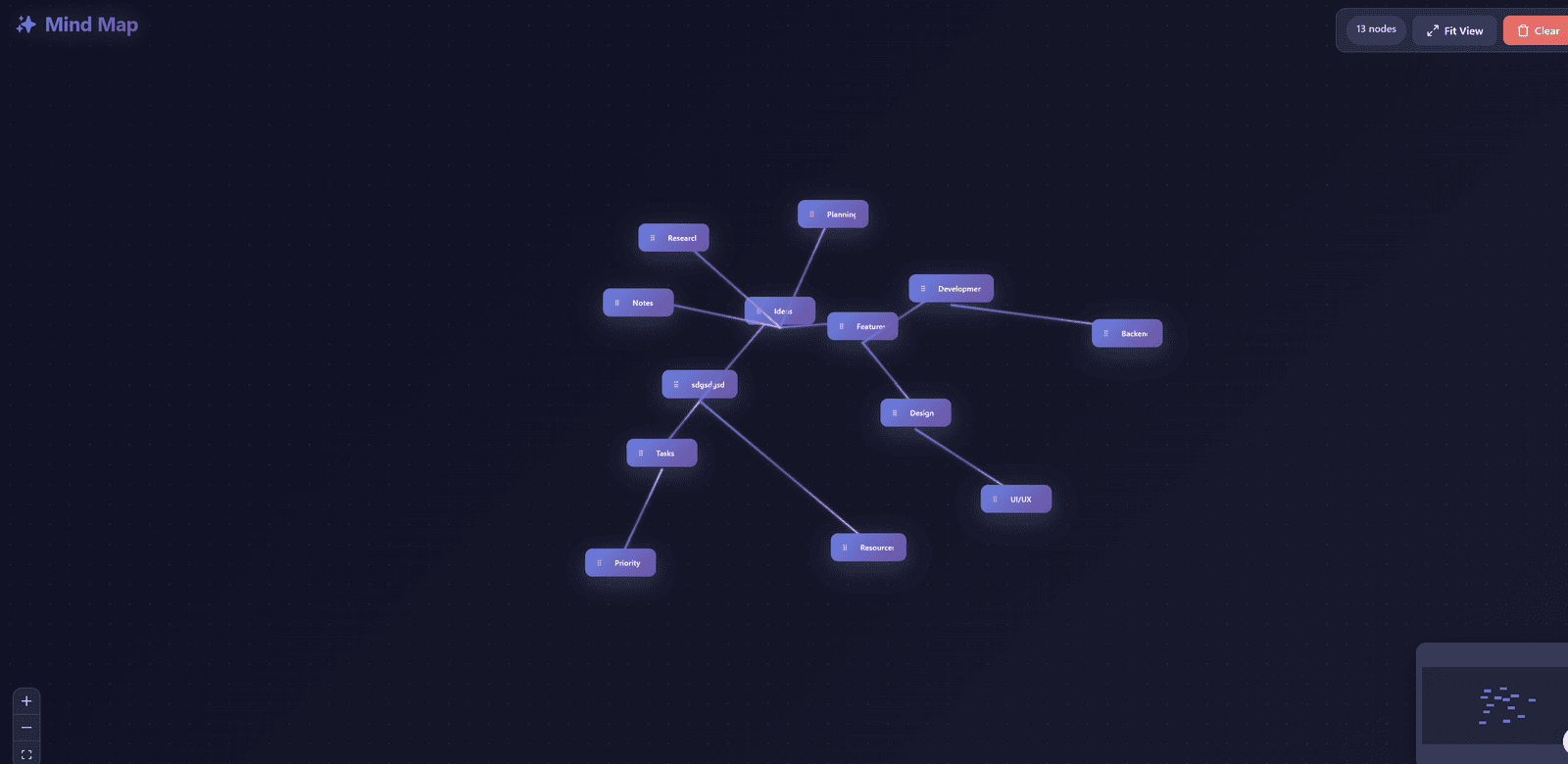
React flow concept map
Interactive concept mapping tool for organizing knowledge and visualizing relationships between ideas. Create hierarchical concept maps with drag-and-drop nodes, custom connections, and rich text editing. Perfect for education, research, brainstorming, and knowledge management with intuitive interface for building complex conceptual relationships.
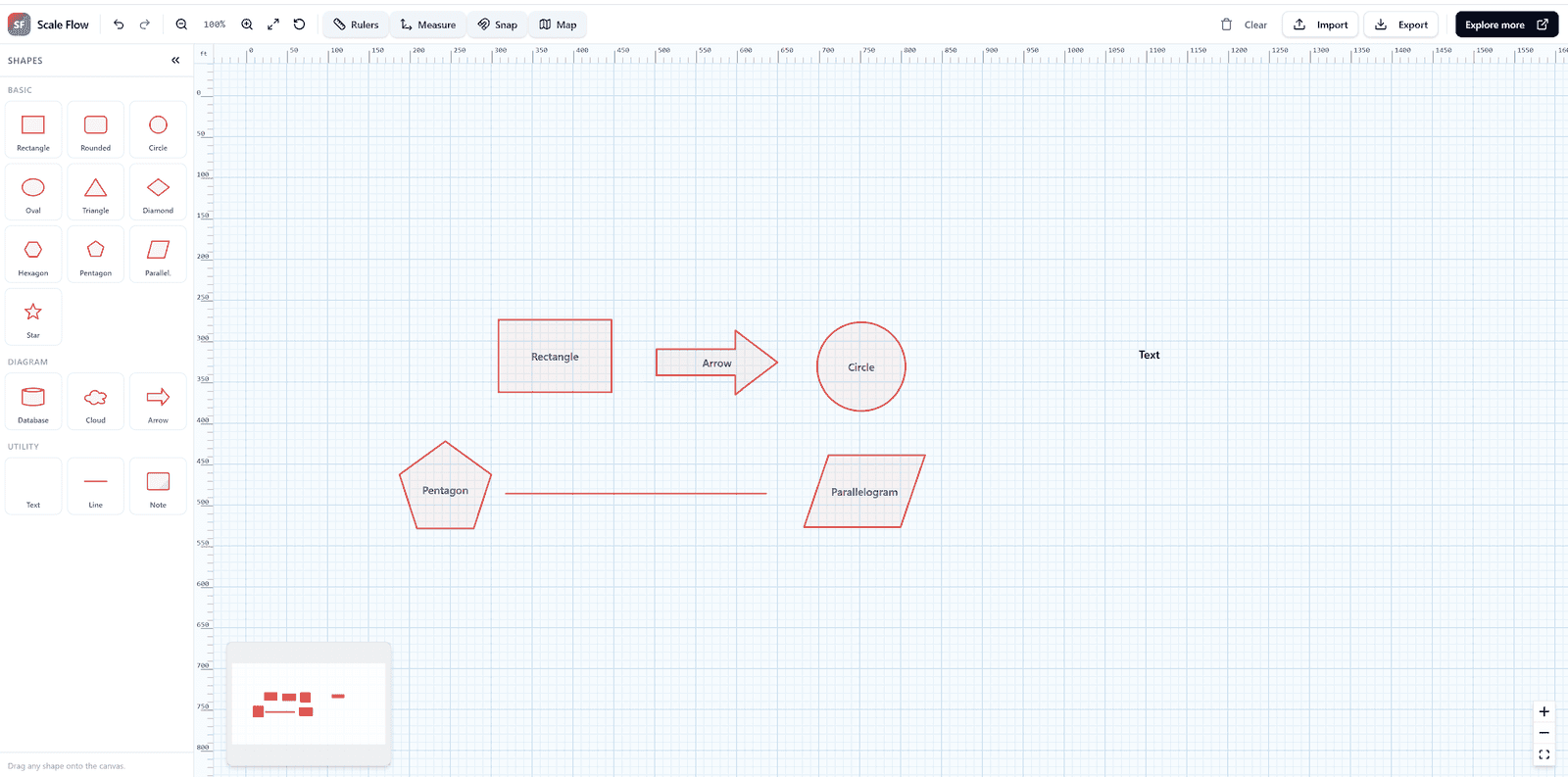
Scale Studio Pro Enterprise with React flow
An enterprise-grade, massive scale diagramming studio built with React Flow. Engineered for performance with thousands of nodes, advanced minimap navigation, and high-fidelity zoom.
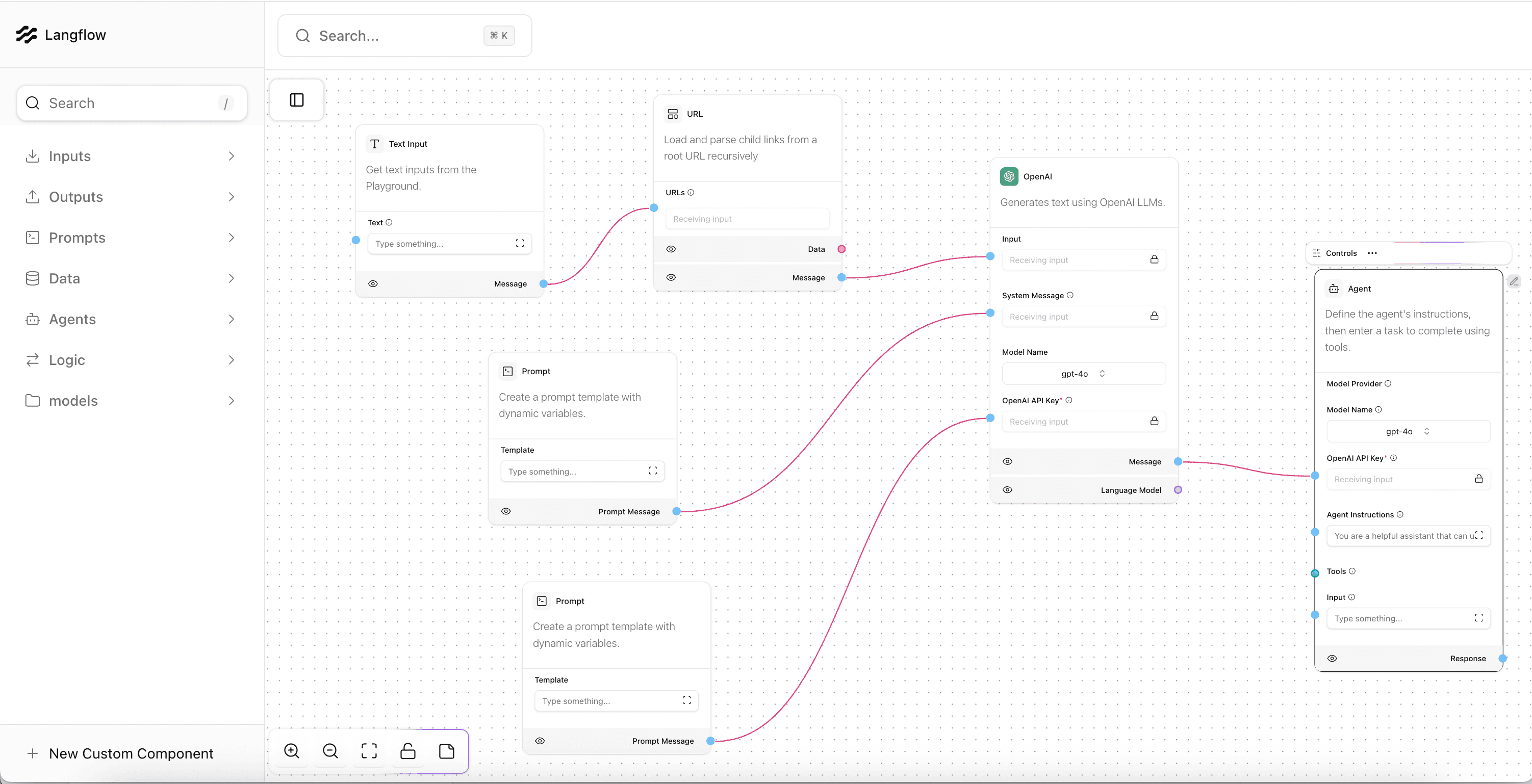
React flow Langflow builder
Langflow is a low-code AI application builder that enables developers to create sophisticated AI workflows, agents, and retrieval-augmented generation (RAG) applications without extensive coding. Build and deploy LLM-powered applications through intuitive visual interface with support for all major large language models, vector databases, and growing library of AI tools. Features prompt templating, model comparison, vector database integration, and production deployment tools for building AI chatbots, content generation systems, and complex reasoning agents.