React Flow Flow Pattern: Build Reusable Node-Based Workflow Architectures
Free
React Flow Flow Pattern: Build Reusable Node-Based Workflow Architectures
**React Flow Flow Pattern: Build Reusable Node-Based Workflow Architectures** Modern applications increasingly rely on visual representations of processes, data flows, and system architectures. From API request handling to backend service orchestration, developers need clear ways to represent how different components interact, exchange information, and contribute to an overall process. Building these visual structures requires more than placing nodes on a canvas. A well-designed workflow needs a consistent connection strategy, reusable node components, structured branching, and an architecture that can be extended as application requirements evolve. The **React Flow Flow Pattern** by VisualFlow demonstrates how to structure common node-based architectures using React Flow. This free example provides a clean implementation of a basic workflow pattern, showing how multiple processing branches can connect to a shared business logic component before producing a final response. Rather than starting with an empty canvas, developers can explore an existing implementation and use it as a foundation for building their own workflow editors, visual programming interfaces, and process automation applications. **Explore the example:** https://www.visualflow.dev/templates/flow-pattern **What Is React Flow Flow Pattern?** React Flow Flow Pattern is a reusable node-based workflow example built with React Flow. It demonstrates how to organize connected components into a structured flow, making it easier to understand the relationship between different processing stages. The example represents a typical HTTP request processing architecture: **Receive → Authentication / Cache → Process → Respond** The workflow begins with an incoming HTTP request. It then branches into two separate components: authentication verification and cache lookup. Both branches connect to a shared processing node, which represents the business logic stage, before the workflow reaches the final response component. This architecture demonstrates an important concept in visual workflow development: multiple connected nodes can represent different responsibilities within a larger processing pipeline. For developers working with React Flow, this example provides a practical reference for implementing branching connections, shared processing stages, and structured node-based diagrams. **Key Features of the React Flow Flow Pattern** **1. Basic Workflow Patterns** The example demonstrates a fundamental workflow architecture using interconnected nodes. Each node represents a specific responsibility within the overall process, while edges communicate the relationship between different stages. The demonstrated HTTP request pipeline includes: - **Receive:** Represents the entry point for an incoming HTTP request. - **Auth:** Represents JWT verification and authentication handling. - **Cache:** Represents a Redis lookup operation. - **Process:** Represents the business logic processing stage. - **Respond:** Represents the final JSON response. This structure provides a straightforward way to understand how different components contribute to a complete workflow. **2. Branching and Merging Connections** One of the most important aspects of this example is its branching and merging structure. After receiving an HTTP request, the workflow separates into two branches: - Authentication verification. - Cache lookup. Both branches connect to the same processing node, creating a clear visual representation of a branched workflow that converges into a shared stage. This pattern is particularly useful when designing diagrams that contain multiple inputs, intermediate processing stages, and common downstream components. For React Flow developers, it demonstrates how to represent more complex relationships than a simple sequential node connection. **3. Standard Node-Based Architecture** A consistent node architecture makes workflow diagrams easier to understand and maintain. The example uses distinct visual representations for its components, including icons, labels, descriptions, and connection handles. Each node communicates its purpose through a combination of visual elements: - A recognizable icon representing the component. - A primary label describing its responsibility. - A secondary description providing additional context. - Connection points for connecting workflow components. This approach helps create diagrams that remain understandable even when the underlying architecture becomes more complex. **4. Clean and Structured Implementation** Maintaining a clean implementation is important when developing reusable diagram components. VisualFlow’s Flow Pattern example focuses on basic flow patterns and standard implementations, providing developers with a structured starting point for understanding common React Flow architectures. A well-organized implementation makes it easier to extend the diagram with additional nodes, connections, and application-specific functionality. **5. Interactive Canvas** The example includes an interactive React Flow canvas for exploring the workflow structure. Users can interact with the diagram through canvas controls, including dragging, scrolling to zoom, and working with connection handles. The preview and code views also provide a way to explore the example visually and inspect its implementation. These capabilities make the example useful for developers learning how interactive node-based interfaces are structured. **Understanding the Workflow Architecture** The best way to understand this example is to examine the responsibility of each processing stage. **Step 1: Receive an HTTP Request** The Receive node represents the entry point of the workflow. It introduces the HTTP request into the visual processing pipeline and connects it to the subsequent components. In a real application, this stage could represent an API endpoint, an incoming event, or another application entry point. **Step 2: Authentication and Cache Lookup** After receiving the request, the workflow branches into two components. **Authentication (JWT Verify)** The Auth node represents an authentication verification stage. Its responsibility is to illustrate where token verification fits within the overall request-processing architecture. **Cache (Redis Lookup)** The Cache node represents a cache lookup stage. It demonstrates how a separate data-access responsibility can be included as another branch of the workflow. These two components illustrate how different responsibilities can be represented independently within the same diagram. **Step 3: Business Logic Processing** The authentication and cache branches connect to a shared Process node. This stage represents the central business logic component of the workflow. In a real-world implementation, business logic might involve data transformation, application rules, service orchestration, or other processing responsibilities. Separating this stage from the initial request and supporting components makes the overall architecture easier to understand. **Step 4: Generate the Response** The final Respond node represents the output stage of the workflow. It is labeled JSON Response and visually completes the HTTP request processing pipeline. The connection from Process to Respond demonstrates how the output of an intermediate processing stage can lead to a final response component. **Architecture & Technologies** VisualFlow’s React Flow Flow Pattern example is built using modern frontend technologies. | Technology | Purpose | | --- | --- | | React | Component-based application development | | React Flow | Node-based diagram rendering and interactions | | TypeScript | Type-safe application development | | Tailwind CSS | Utility-first styling | Together, these technologies provide a practical foundation for building interactive workflow diagrams and reusable node-based interfaces. React Flow handles the diagram visualization and connection structure, while React provides the component architecture for building the application interface. TypeScript supports more maintainable development, and Tailwind CSS provides a flexible approach to styling the visual components. **Where Can You Use React Flow Workflow Patterns?** The architecture demonstrated in this example can serve as a starting point for several types of applications. **1. API Request Processing Visualizers** Developers can use this pattern to visualize how incoming API requests move through authentication, caching, processing, and response stages. It provides a clear representation of backend request-handling architecture. **2. Backend Architecture Diagrams** Represent different backend responsibilities as connected nodes. For example, developers can visualize authentication services, database access, cache layers, business logic, and response handlers within a single diagram. **3. Workflow Automation Builders** Use branching and merging structures as a foundation for visual automation interfaces. Developers can extend the basic architecture with additional processing nodes, conditional paths, and custom workflow components. **4. Data Processing Pipelines** Represent how data moves between different processing stages. A workflow can include input nodes, transformation stages, validation components, and output nodes, helping users understand the overall pipeline. **5. AI Workflow and Agent Builders** The same node-based architectural approach can be adapted for visual AI workflows. Developers can represent input processing, model execution, tool interactions, and output generation as connected components. Additional application logic would be required to turn the diagram into an executable AI workflow. **6. System Design and Technical Documentation** Use interactive node-based diagrams to communicate system architecture, service dependencies, and application processing responsibilities. This can make complex technical structures easier to explore than traditional static diagrams. **Why Use React Flow for Building Workflow Editors?** Developing a workflow editor from scratch involves several engineering challenges. Developers need to manage node rendering, edge connections, canvas interactions, component positioning, and the relationships between different workflow elements. React Flow provides a foundation for building these interfaces without implementing every diagram interaction independently. With React Flow, developers can create: - Custom node-based interfaces. - Interactive workflow editors. - Branching and merging diagrams. - Visual programming environments. - API and system architecture visualizers. - Automation workflow builders. - Data processing diagrams. The React Flow Flow Pattern example demonstrates how these capabilities can be organized into a practical workflow architecture. **Why Start with VisualFlow’s React Flow Flow Pattern?** Starting a node-based application from an empty canvas often requires considerable time spent establishing the initial structure. Developers need to decide how nodes should be organized, how connections should be represented, and how individual components should communicate visually. VisualFlow provides a ready-made example that demonstrates these foundational concepts. The Flow Pattern example is particularly useful for developers who want to: - Understand standard React Flow implementations. - Explore branching and merging workflow structures. - Learn how to organize interconnected nodes. - Build custom workflow visualization tools. - Create reusable node-based application interfaces. - Accelerate initial React Flow development. Instead of building the foundational diagram structure from scratch, developers can use the example as a reference and adapt its architecture to their specific application requirements. The example is available as a free MIT-licensed template, making it accessible for developers who want to explore and customize the implementation under the applicable license terms. **Frequently Asked Questions** **1. What is React Flow Flow Pattern?** React Flow Flow Pattern is a node-based workflow example built with React Flow. It demonstrates basic workflow structures, standard node connections, and a clean implementation that developers can use as a foundation for their own diagramming applications. **2. How do you create a workflow pattern using React Flow?** To create a workflow pattern using React Flow, define the nodes representing individual processing stages, establish connections between them using edges, and render the resulting structure on an interactive canvas. For branching workflows, connect one node to multiple downstream nodes and configure those branches to converge into a shared processing stage when needed. **3. What is a branching and merging workflow?** A branching and merging workflow is a diagram structure in which one processing stage connects to multiple branches that later converge into a shared downstream component. This pattern is useful for visualizing systems that contain multiple responsibilities, processing paths, or intermediate stages. **4. What does the VisualFlow Flow Pattern example demonstrate?** The example demonstrates an HTTP request processing pipeline with five main components: Receive, Auth, Cache, Process, and Respond. The request enters through Receive, branches into authentication and cache lookup, converges at the business logic stage, and continues to the JSON response component. **5. Which technologies are used in the React Flow Flow Pattern?** The example uses React, React Flow, TypeScript, and Tailwind CSS. These technologies provide the foundation for its component structure, node-based visualization, type-safe development, and interface styling. **6. Is the VisualFlow Flow Pattern template free?** Yes. The React Flow Flow Pattern example is listed as a free MIT-licensed template on VisualFlow. Developers can explore the example, access its live demonstration, and use the implementation as a starting point for their own projects under the applicable license terms. **7. Can React Flow support complex workflow architectures?** Yes. React Flow provides a flexible foundation for representing interconnected nodes, custom edges, branching structures, and interactive diagrams. Developers can extend these capabilities to build workflow editors, visual programming tools, automation interfaces, and other node-based applications. **8. Can I use React Flow to visualize API request processing?** Yes. React Flow can be used to visualize API request-processing architectures by representing request entry points, authentication, caching, business logic, and response stages as connected nodes. The VisualFlow Flow Pattern example demonstrates this exact type of visual structure. **9. What is the difference between a workflow pattern and a workflow automation engine?** A workflow pattern describes the visual structure and relationships between processing components. A workflow automation engine adds execution logic, state management, data handling, and runtime behavior to actually execute those processes. The VisualFlow Flow Pattern example demonstrates the diagram structure rather than claiming to be a complete workflow execution engine. **Final Thoughts** Building maintainable node-based applications starts with understanding how individual components connect to form a larger architecture. The **React Flow Flow Pattern by VisualFlow** demonstrates these fundamentals through a practical HTTP request-processing example. Its branching authentication and cache components, shared business logic stage, and final response node provide a clear illustration of how common workflow architectures can be represented visually. Whether you are developing an API visualization tool, a workflow editor, a backend architecture diagram, or a custom node-based application, this example provides a useful foundation for exploring React Flow implementations. Start with the example, explore its structure, and adapt the pattern to your next project. **Explore the React Flow Flow Pattern by VisualFlow:** https://www.visualflow.dev/templates/flow-pattern **View the Live Demo:** https://flow-pattern.vercel.app/?ex=basic
Architecture & Features
Free to use for commercial and personal projects.
Related Free Templates
Other popular starter patterns and canvas diagrams
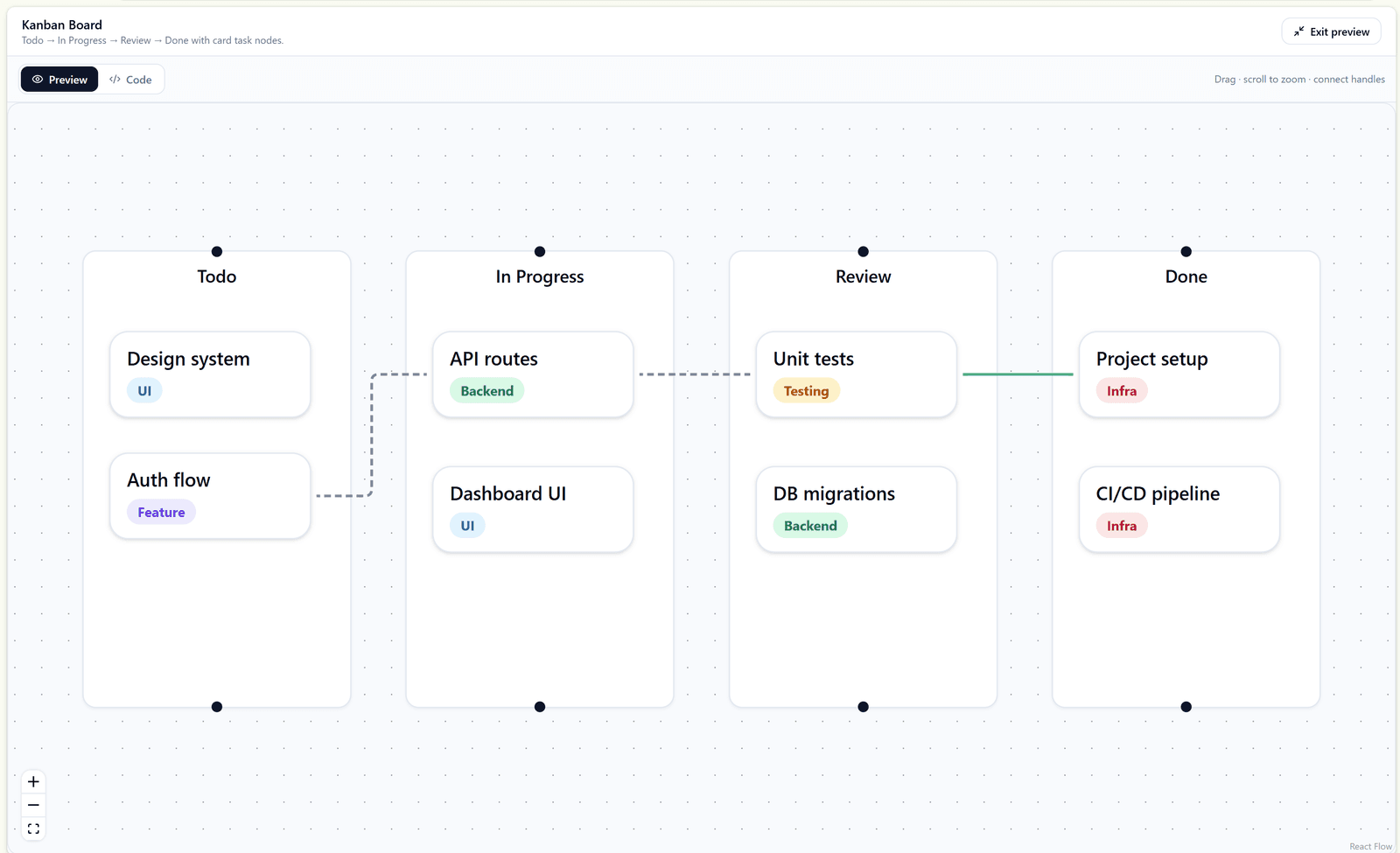
React flow Kanban Pattern
A free example demonstrating how to build a Kanban board interface using React Flow. Easily visualize and manage tasks across different stages.
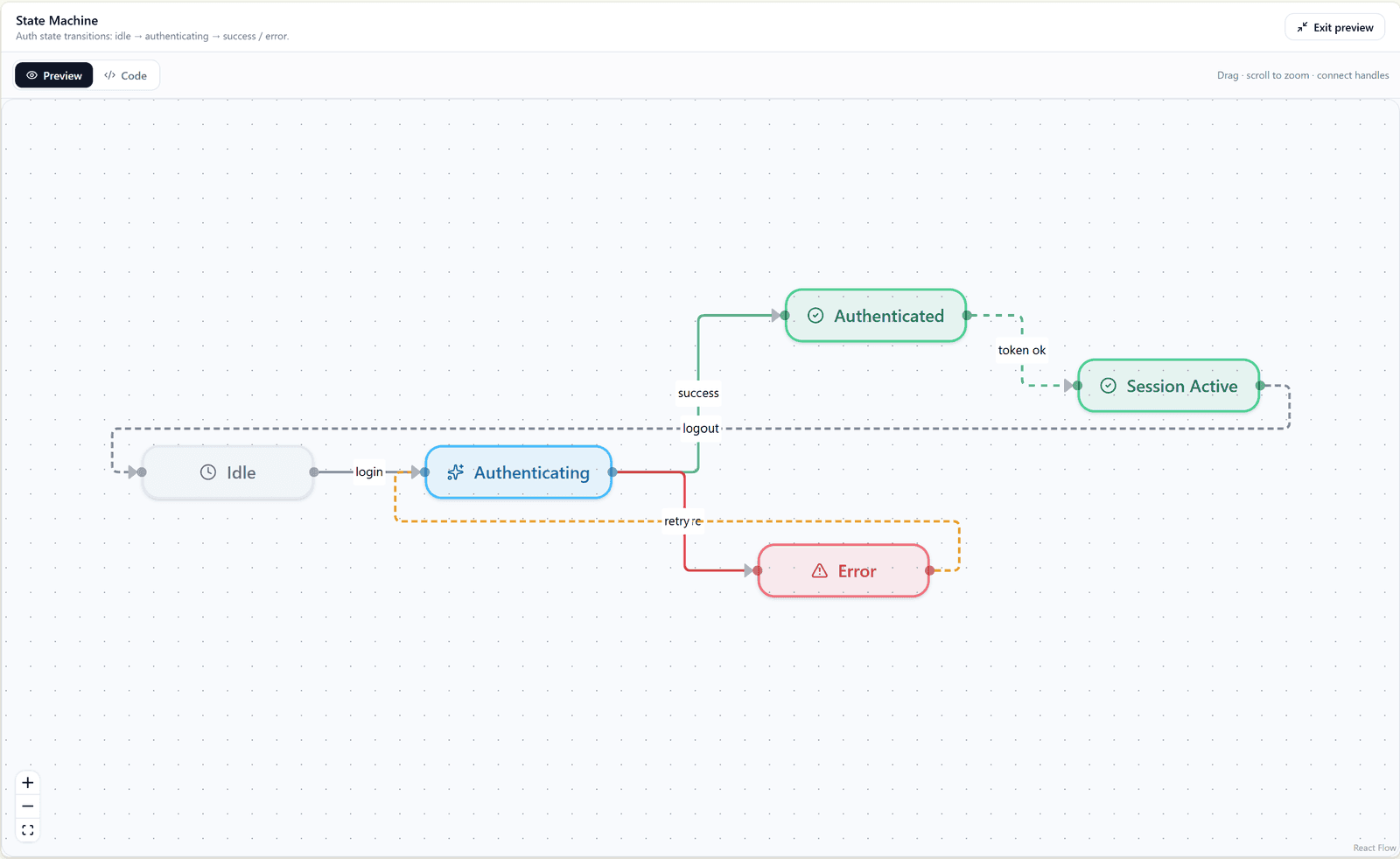
React flow State Machine
A free example demonstrating how to visualize state machines and state transitions using React Flow.
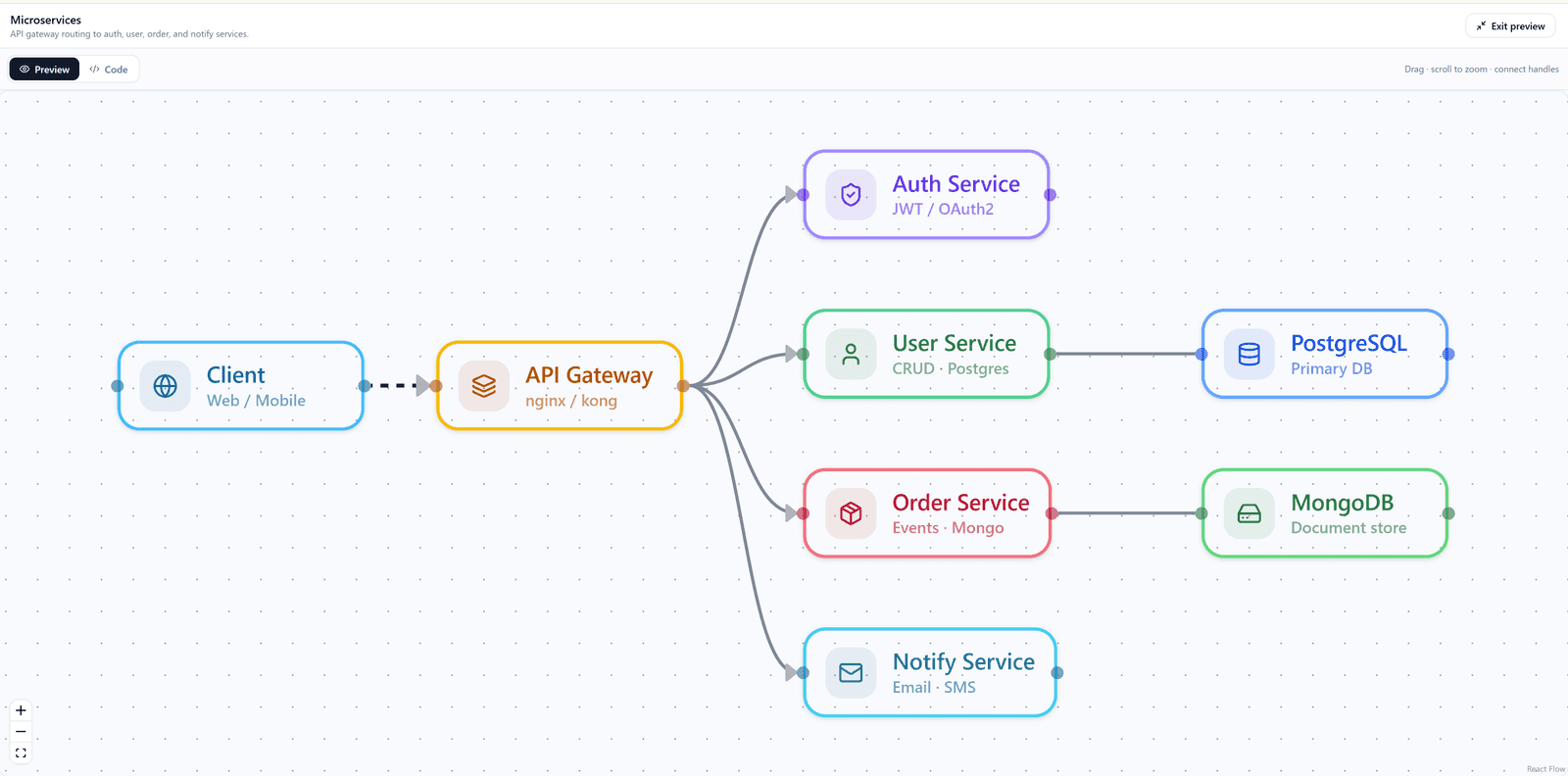
React flow Microservices Pattern
A free example demonstrating how to visualize microservices architecture and system topology using React Flow.