React Flow Radial Mind Map: Build Interactive Mind Maps with Automatic Radial Layouts
Free
React Flow Radial Mind Map: Build Interactive Mind Maps with Automatic Radial Layouts
# React Flow Radial Mind Map: Build Interactive Mind Maps with Automatic Radial Layouts Organizing complex ideas becomes easier when information is presented visually. Mind maps help developers, designers, researchers, and teams break down large concepts into connected topics. However, building a well-structured radial mind map inside a web application requires more than simply connecting nodes. It requires intelligent positioning, a clear hierarchy, and an interactive canvas that keeps relationships easy to understand. The **React Flow Radial Mind Map** by VisualFlow is a free, ready-to-use example that demonstrates how to create a radial mind map using React Flow. It automatically arranges nodes in a circular structure, allowing developers to visualize relationships between a central concept and its connected branches. Explore the example: [https://www.visualflow.dev/templates/radial-mind-map](https://www.visualflow.dev/templates/radial-mind-map) ## What Is a React Flow Radial Mind Map? A React Flow Radial Mind Map is a node-based visualization in which information is organized around a central concept. Instead of displaying information in a traditional top-down tree or linear flowchart, a radial layout distributes connected nodes around a central point. This structure makes it easier to understand relationships between topics while maintaining a visually balanced diagram. VisualFlow's Radial Mind Map example demonstrates this approach through an automatically arranged circular node structure. Developers can use it as a starting point for building interactive mind mapping applications, brainstorming tools, knowledge visualization systems, and hierarchical diagram editors. ## Key Features of the React Flow Radial Mind Map ### 1. Automatic Radial Node Layout The central feature of this example is its radial node positioning system. Instead of manually placing every node on the canvas, the layout algorithm automatically arranges connected nodes in a circular pattern. This helps maintain a consistent visual structure as the mind map develops. Radial positioning is particularly useful when an application needs to display multiple branches around a central concept without relying on conventional hierarchical layouts. **Benefits:** - Automatically position nodes around a central point. - Create visually balanced circular structures. - Organize related concepts into connected branches. - Reduce manual node-placement work. - Maintain a clear visual relationship between ideas. ### 2. Mind Map Architecture The example follows a mind mapping architecture where a central node represents the primary concept and connected nodes represent related topics. Each branch creates a visual relationship between the central idea and its associated information. For example, a product development mind map can contain branches such as: - Design - Figma - Tokens - Build - React - API - Monitor - Alerts - Logs - Deploy - Docker - CI/CD - Test - Iterate This structure demonstrates how a single concept can expand into multiple categories and supporting subtopics. ### 3. Interactive Canvas The interactive canvas provides a working environment for exploring the radial mind map. Built with React Flow, the canvas provides the foundation for node-based interactions and diagram visualization. Developers can use this architecture to create mind mapping experiences where users interact with connected ideas rather than viewing a static diagram. ### 4. Flexible Node-Based Visualization React Flow provides a flexible foundation for creating custom node-based interfaces. The radial mind map example demonstrates how connected nodes can represent different levels of information while maintaining a recognizable mind map structure. This makes the example a useful starting point for applications that require custom node representations, connected concepts, and structured visual information. ## How the Radial Mind Map Layout Works A radial mind map starts with a central node and distributes related nodes around it. The basic structure can be understood through three elements: **Central Node:** Represents the primary subject or concept. **Primary Branches:** Represent the major categories directly connected to the central node. **Secondary Topics:** Represent additional information associated with each primary branch. A radial positioning algorithm determines where nodes should appear on the canvas to create a circular arrangement. Unlike a traditional hierarchical tree layout, which generally positions nodes in horizontal or vertical levels, a radial layout uses angular distribution around a central point. This approach is especially useful for visualizing interconnected concepts, organizing knowledge, and presenting information with a central focus. ## Technology Stack The VisualFlow Radial Mind Map example is built using modern frontend technologies. | Technology | Purpose | | --- | --- | | React | Component-based UI development | | React Flow | Node-based diagram rendering | | TypeScript | Type-safe application development | | Tailwind CSS | Interface styling | The combination provides a practical foundation for developers who want to integrate radial mind mapping into React applications. ## Use Cases for React Flow Radial Mind Maps Radial mind maps are useful across different industries and application categories. ### 1. Brainstorming Applications Create brainstorming tools where users organize ideas around a central subject. Each branch can represent a different direction, concept, or opportunity. ### 2. Knowledge Management Systems Visualize relationships between topics, documents, concepts, and categories. A radial structure helps users explore information from a central knowledge area. ### 3. Project Planning Break down large projects into smaller categories, tasks, and supporting topics. Teams can use radial diagrams to understand project components at a glance. ### 4. Educational Applications Build interactive learning tools that organize lessons, subjects, and related concepts. Students can explore complex topics through connected visual structures. ### 5. Product Development Represent product features, design systems, development stages, and technical dependencies around a central product concept. ### 6. AI and Workflow Visualization Use radial structures to represent AI agent capabilities, connected knowledge areas, system components, or different stages of an automation workflow. ## Why Use React Flow for Building a Radial Mind Map? Building a mind mapping interface from scratch requires handling node rendering, connections, positioning, canvas interactions, and layout management. React Flow provides a node-based foundation that helps developers focus on application functionality rather than implementing every diagram interaction independently. With React Flow, developers can build: - Interactive node-based editors. - Custom node and edge components. - Connected hierarchical diagrams. - Visual knowledge management tools. - Workflow and automation interfaces. - Custom diagramming applications. VisualFlow's radial mind map example demonstrates how React Flow can be used to create a specialized visualization beyond conventional flowcharts. ## Why Start with the VisualFlow Radial Mind Map Example? Developing a radial mind map from scratch can require experimentation with node positioning, connection structures, and canvas rendering. VisualFlow provides a free MIT-licensed example that gives developers a practical starting point. Instead of beginning with an empty React Flow canvas, developers can explore an existing radial mind map implementation and adapt its structure to their application requirements. The example is particularly useful for developers who want to: - Understand radial node arrangements in React Flow. - Explore circular mind map structures. - Build concept mapping applications. - Integrate radial diagrams into React projects. - Customize a TypeScript-based diagram implementation. - Accelerate the development of node-based interfaces. **Explore the source code and live demonstration:** - Template: [https://www.visualflow.dev/templates/radial-mind-map](https://www.visualflow.dev/templates/radial-mind-map) - Live Demo: [https://flow-pattern.vercel.app/?ex=radial-mind-map](https://flow-pattern.vercel.app/?ex=radial-mind-map) - License: Free MIT Template ## Frequently Asked Questions (FAQ) ### 1. What is a radial mind map in React Flow? A radial mind map in React Flow is a node-based diagram that arranges connected topics around a central concept. It uses a circular layout to visualize relationships between primary branches and their associated subtopics. ### 2. How do you create a radial mind map using React Flow? To create a radial mind map using React Flow, define a central node, create connected branches, calculate node positions using a radial layout algorithm, and render the resulting nodes and edges on a React Flow canvas. ### 3. What is the difference between a radial mind map and a traditional tree layout? A traditional tree layout organizes nodes into horizontal or vertical levels, while a radial mind map distributes connected nodes around a central point. Radial layouts emphasize the relationship between a central concept and its surrounding topics. ### 4. Does VisualFlow provide a free React Flow radial mind map template? Yes. VisualFlow provides a free MIT-licensed React Flow Radial Mind Map example that demonstrates automatic radial node positioning, mind map architecture, and an interactive canvas. ### 5. Which technologies are used in the VisualFlow Radial Mind Map? The example uses React, React Flow, TypeScript, and Tailwind CSS to build its node-based visualization. ### 6. Can I use the radial mind map example in my own React project? Yes. The example is provided under the MIT license, making it a practical starting point for developers who want to study, customize, and integrate the implementation into their projects, subject to the license terms. ### 7. When should I use a radial mind map instead of a flowchart? Use a radial mind map when you want to organize ideas around a central topic, explore relationships between concepts, or represent categories and subtopics. Use a flowchart when the primary goal is to communicate sequential processes, decisions, or workflows. ### 8. Is React Flow suitable for building interactive mind mapping applications? Yes. React Flow provides node rendering, edge connections, and canvas interactions that developers can use as a foundation for building custom mind mapping applications. ## Final Thoughts A well-designed mind map makes complex information easier to explore, understand, and communicate. Radial layouts take this experience further by placing the central concept at the heart of the visualization and organizing related information around it. The **React Flow Radial Mind Map by VisualFlow** demonstrates a practical approach to building circular mind map structures with automatic node positioning and an interactive canvas. Whether you are developing a brainstorming application, knowledge management platform, educational tool, or visual concept editor, this free example offers a useful starting point for your next React Flow project. **Start building with VisualFlow:** [https://www.visualflow.dev/templates/radial-mind-map](https://www.visualflow.dev/templates/radial-mind-map)
Architecture & Features
Free to use for commercial and personal projects.
Related Pro Examples
Explore our newest commercial React Flow templates & workflows
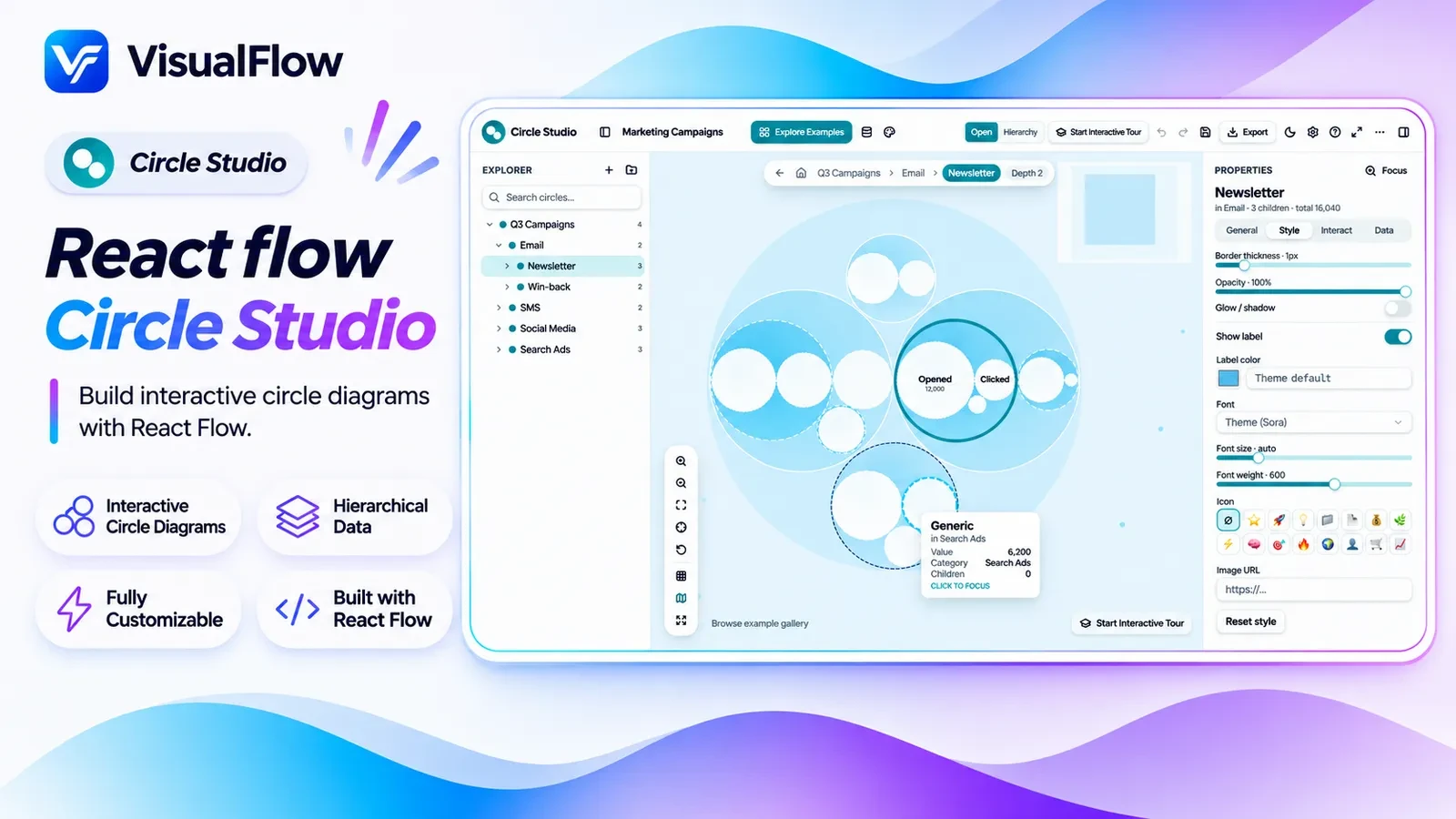
React Flow Circle Studio: Create Interactive Circle Packing Visualizations for Hierarchical Data
React Flow Circle Studio by VisualFlow demonstrates an interactive approach to hierarchical data visualization using a zoomable circle packing layout. Instead of representing information through conventional tables or linear charts, circle packing organizes data into nested circles. Each circle represents an item or category, while smaller circles inside it represent its children or related elements. This visualization technique makes it easier to understand hierarchical structures, explore relationships, and navigate datasets through an interactive visual representation. Whether you're developing data visualization dashboards, exploring nested datasets, building analytical interfaces, or creating interactive information explorers, React Flow Circle Studio provides an example of how hierarchical data can be presented through a circle-based visual layout.
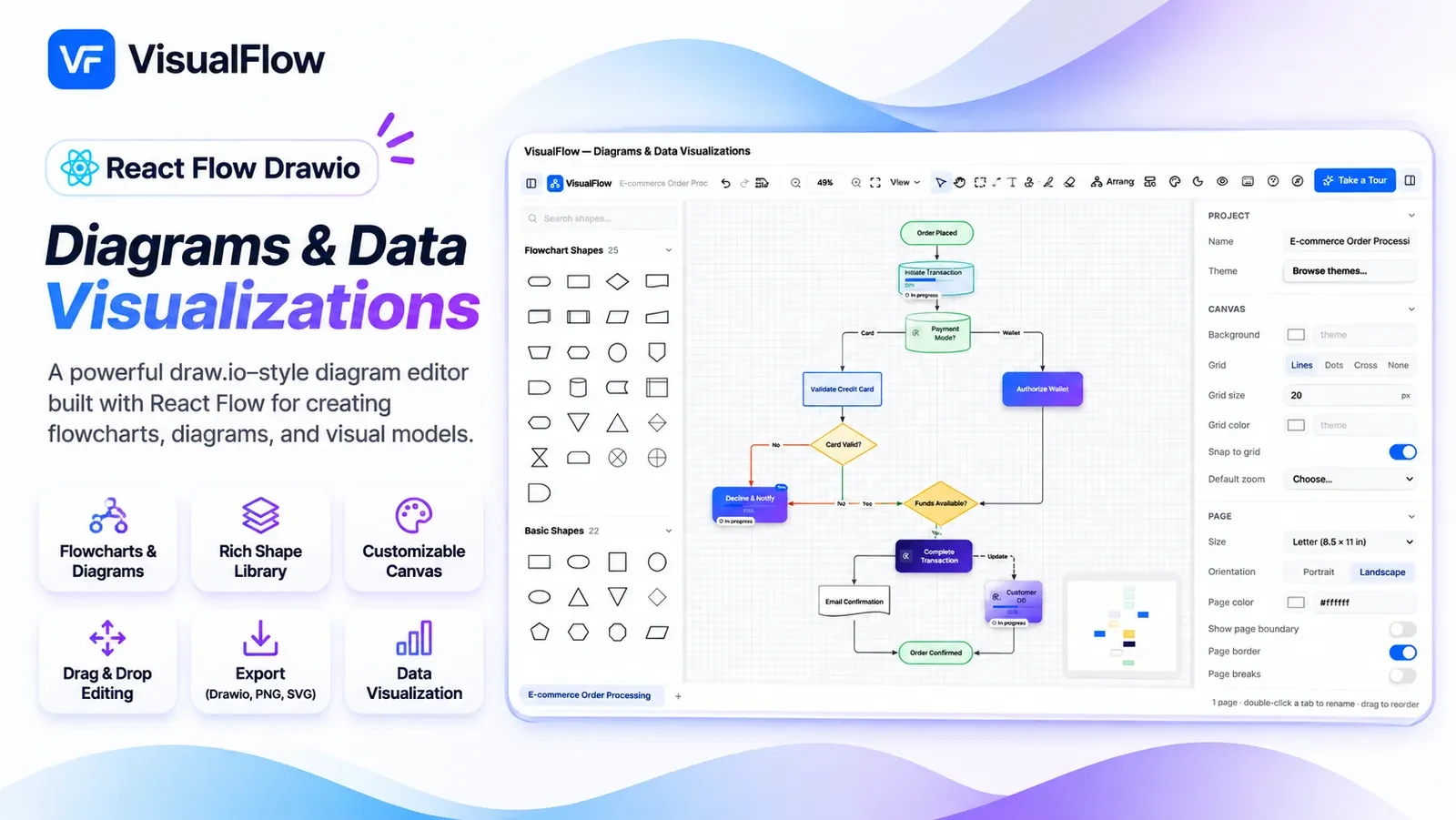
VisualFlow Diagram Maker – Flowcharts, BPMN & Data Visualization
Create professional flowcharts, BPMN diagrams, and data visualizations with VisualFlow. Explore customizable nodes, infinite canvas, templates, and advanced editing tools.
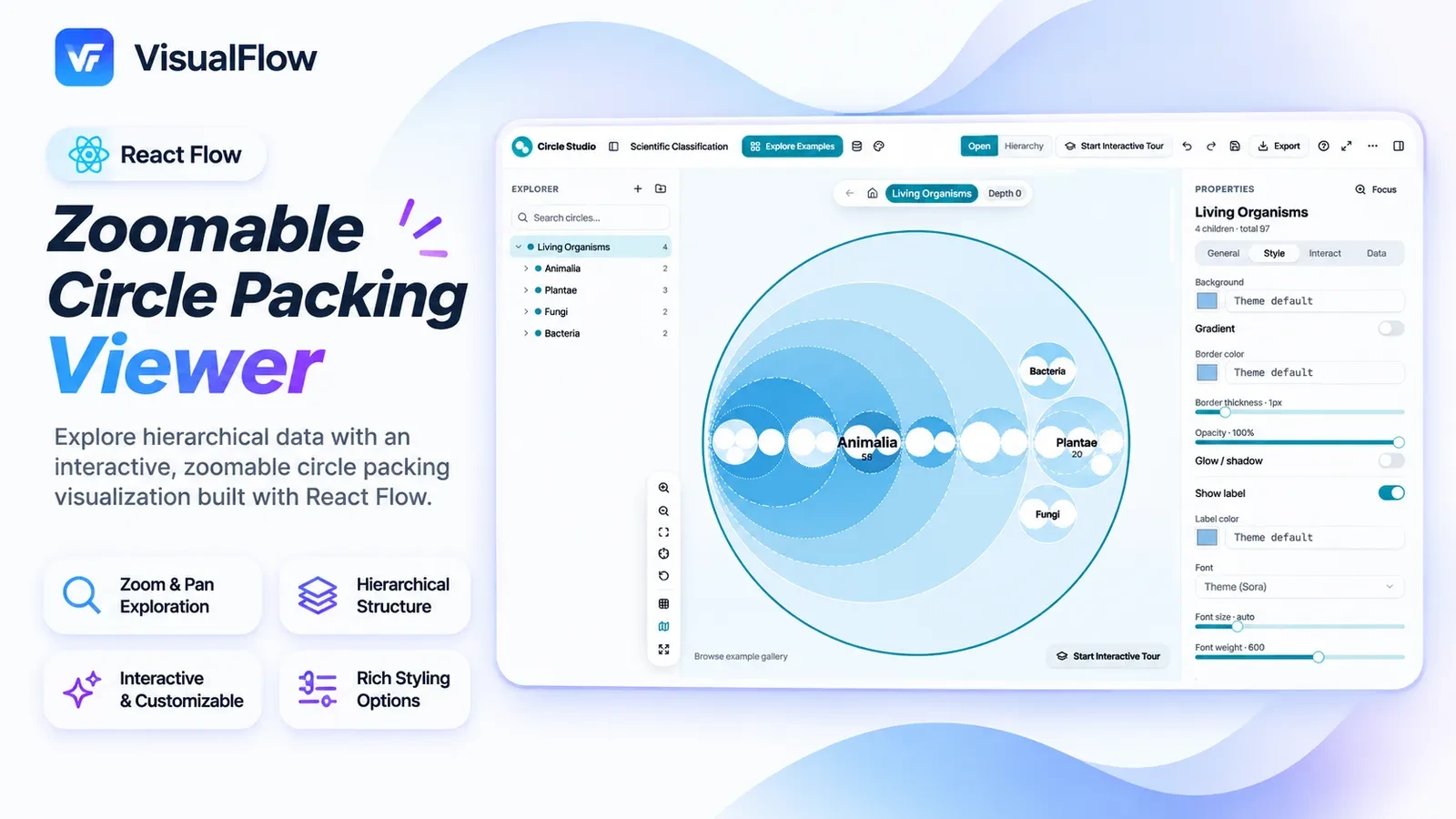
React Flow Zoomable Circle Packing Viewer: Explore Hierarchical Data Through Interactive Circle Visualization
Explore hierarchical data with a React Flow Zoomable Circle Packing Viewer. Discover interactive zooming, nested circles, custom styling, and data visualization features.