React Flow Advanced Edge Routing Engine: Build Smart, Obstacle-Aware Connections with Dynamic Edge Routing | Advanced Edge Routing Engine
Free
React Flow Advanced Edge Routing Engine: Build Smart, Obstacle-Aware Connections with Dynamic Edge Routing | Advanced Edge Routing Engine
When diagrams get complex, default bezier edges turn into a tangled mess. This example demonstrates how to implement an advanced edge routing algorithm that automatically draws orthogonal (right-angled) edges that actively avoid crossing over nodes. A must-have for circuit diagrams, database schemas, and flowchart builders. # React Flow Advanced Edge Routing Engine: Build Smart, Obstacle-Aware Connections with Dynamic Edge Routing Creating clean and readable flow diagrams becomes challenging when multiple nodes and connections share the same canvas. Edges can overlap nodes, cross other connections, and make complex workflows difficult to understand. The **React Flow Advanced Edge Routing Engine** demonstrates how intelligent, obstacle-aware routing can solve these challenges by automatically finding clean paths between connected nodes. Built with React Flow, this interactive example showcases an advanced edge-routing approach powered by the A\* pathfinding algorithm. It calculates routes using a sparse grid based on live node boundaries, allowing connections to navigate around obstacles and dynamically adjust when the diagram changes. Whether you are developing workflow automation software, data pipeline visualizations, system architecture diagrams, or complex node-based editors, this example demonstrates how smarter edge routing can improve diagram clarity and usability. ## What Is the React Flow Advanced Edge Routing Engine? The React Flow Advanced Edge Routing Engine is an interactive diagram example that demonstrates intelligent orthogonal edge routing and automatic obstacle avoidance. Instead of relying on simple straight or manually positioned connections, the routing engine calculates paths that navigate around nodes and other obstacles. It uses an A\* search algorithm on a sparse grid derived from the diagram's live node boundaries to identify suitable routes. The result is a cleaner, more organized graph where connections can automatically adapt to changes in node positions and newly introduced obstacles. ## Key Features of the Advanced Edge Routing Engine ### 1. Smart Orthogonal Edge Routing The engine demonstrates orthogonal routing, where connections follow horizontal and vertical segments rather than arbitrary curved or diagonal paths. This approach is particularly useful for technical diagrams, workflow builders, and system architecture visualizations where structured connections improve readability. Key benefits include: - Clean, right-angle connection paths. - More organized and structured diagrams. - Improved visibility in complex node-based workflows. - Reduced visual clutter from poorly positioned connections. ### 2. Intelligent Obstacle Avoidance One of the most important features is automatic obstacle avoidance. The routing algorithm considers node boundaries when calculating connection paths. If a node or obstacle blocks the existing route, the engine searches for an alternative path instead of allowing the connection to pass through it. This helps maintain clean connections even when diagrams contain multiple closely positioned nodes. ### 3. Dynamic Edge Re-routing Flow diagrams frequently change as users move nodes, introduce new components, or modify existing structures. The Advanced Edge Routing Engine demonstrates dynamic re-routing, allowing connections to recalculate their paths when obstacles or node positions change. This makes the diagram more adaptable and reduces the need for developers to manually adjust connection points after every layout modification. ### 4. Real-Time Path Updates The example includes interactive controls that let users experiment with the routing behavior. Users can: - Drag nodes across the canvas. - Add an obstacle to the diagram. - Observe how connections respond to new obstacles. - Reset the graph to its original state. - Zoom and navigate the canvas. These interactions make it easier to understand how obstacle-aware routing works in a real React Flow environment. ### 5. A\* Pathfinding Algorithm The routing example demonstrates an A\*-based pathfinding approach. A\* evaluates possible routes using a combination of the distance already traveled and an estimated remaining distance to the destination. This helps the routing engine search for efficient paths while accounting for obstacles. In this implementation, the algorithm operates on a sparse grid constructed from live node boundaries, making it possible to calculate orthogonal paths around diagram elements. ### 6. Interactive React Flow Canvas The example uses React Flow to provide an interactive node-based editing environment. The canvas supports node movement, edge visualization, zooming, panning, and interactive controls. This provides a practical foundation for exploring advanced routing behavior in custom graph applications. ## How Does the Advanced Edge Routing Engine Work? The routing process can be understood through four main steps: **Step 1: Define Nodes and Connections** Create nodes and connect them using React Flow edges. Each node contributes boundary information that the routing algorithm can consider. **Step 2: Generate the Routing Grid** The engine builds a sparse grid based on the live node boundaries. This grid provides the search space for calculating possible connection paths. **Step 3: Calculate an Obstacle-Free Route** The A\* pathfinding algorithm searches for a suitable orthogonal path while avoiding nodes and obstacles. **Step 4: Recalculate Paths When the Diagram Changes** When users move nodes or introduce new obstacles, the routing engine updates the affected paths to maintain readable connections. ## Where Can Advanced Edge Routing Be Used? Intelligent edge routing is useful in applications where diagrams contain multiple interconnected components. Common use cases include: - **Workflow Automation Builders:** Create readable automation flows with multiple conditions, actions, and branching paths. - **Data Pipeline Visualizations:** Connect data sources, transformation processes, and destination systems without unnecessary edge intersections. - **System Architecture Diagrams:** Represent services, databases, APIs, and infrastructure components with structured connections. - **Network Topology Editors:** Visualize relationships between network components while keeping connection paths organized. - **Business Process Modeling:** Build complex process diagrams with clearly defined connections. - **Node-Based Development Tools:** Improve the visual experience of applications that rely on interactive node graphs. ## Why Use React Flow for Advanced Edge Routing? React Flow provides a flexible foundation for building interactive node-based applications in React. Its customizable nodes, edges, handles, and event system make it possible to implement specialized routing behavior for different application requirements. Developers can extend React Flow with custom edge components, pathfinding algorithms, obstacle detection, and dynamic layout logic to create more advanced diagramming experiences. The Advanced Edge Routing Engine demonstrates how these capabilities can be combined to build more intelligent and visually organized graph editors. ## Frequently Asked Questions (FAQs) ### What is edge routing in React Flow? Edge routing in React Flow is the process of determining how connections travel between nodes. Advanced routing techniques can generate orthogonal paths, avoid obstacles, and improve the readability of complex diagrams. ### What is obstacle-aware edge routing? Obstacle-aware edge routing is a technique that calculates connection paths while considering the positions and boundaries of nodes or other obstacles. It helps prevent edges from passing through diagram elements. ### How does A\* pathfinding improve edge routing? A\* pathfinding searches for an efficient route between two points by evaluating the current path cost and an estimated remaining distance. When applied to a routing grid, it can help find paths around obstacles. ### What is orthogonal edge routing? Orthogonal edge routing creates connections using horizontal and vertical line segments, typically forming 90-degree turns. It is commonly used in workflow diagrams, flowcharts, network maps, and technical architecture visualizations. ### Can React Flow edges be recalculated when nodes move? Yes. Developers can implement custom routing logic that recalculates edge paths when node positions or obstacles change. This example demonstrates dynamic path updates in response to diagram interactions. ### Can I implement custom edge routing in React Flow? Yes. React Flow supports custom edge components and customizable connection paths. Developers can integrate pathfinding algorithms and obstacle-detection logic to implement advanced routing behavior. ## Explore the React Flow Advanced Edge Routing Example The VisualFlow Advanced Edge Routing Engine demonstrates how intelligent pathfinding can make complex node-based diagrams cleaner, more organized, and easier to understand. Explore the interactive example, move nodes, introduce obstacles, and observe how the routing engine adapts connection paths in real time. **Try the example:** https://www.visualflow.dev/templates/edge-routing-example **Explore more React Flow examples:** https://www.visualflow.dev/templates Build smarter diagrams with VisualFlow and discover new possibilities for interactive React Flow applications.
Architecture & Features
Free to use for commercial and personal projects.
Related Pro Examples
Explore our newest commercial React Flow templates & workflows
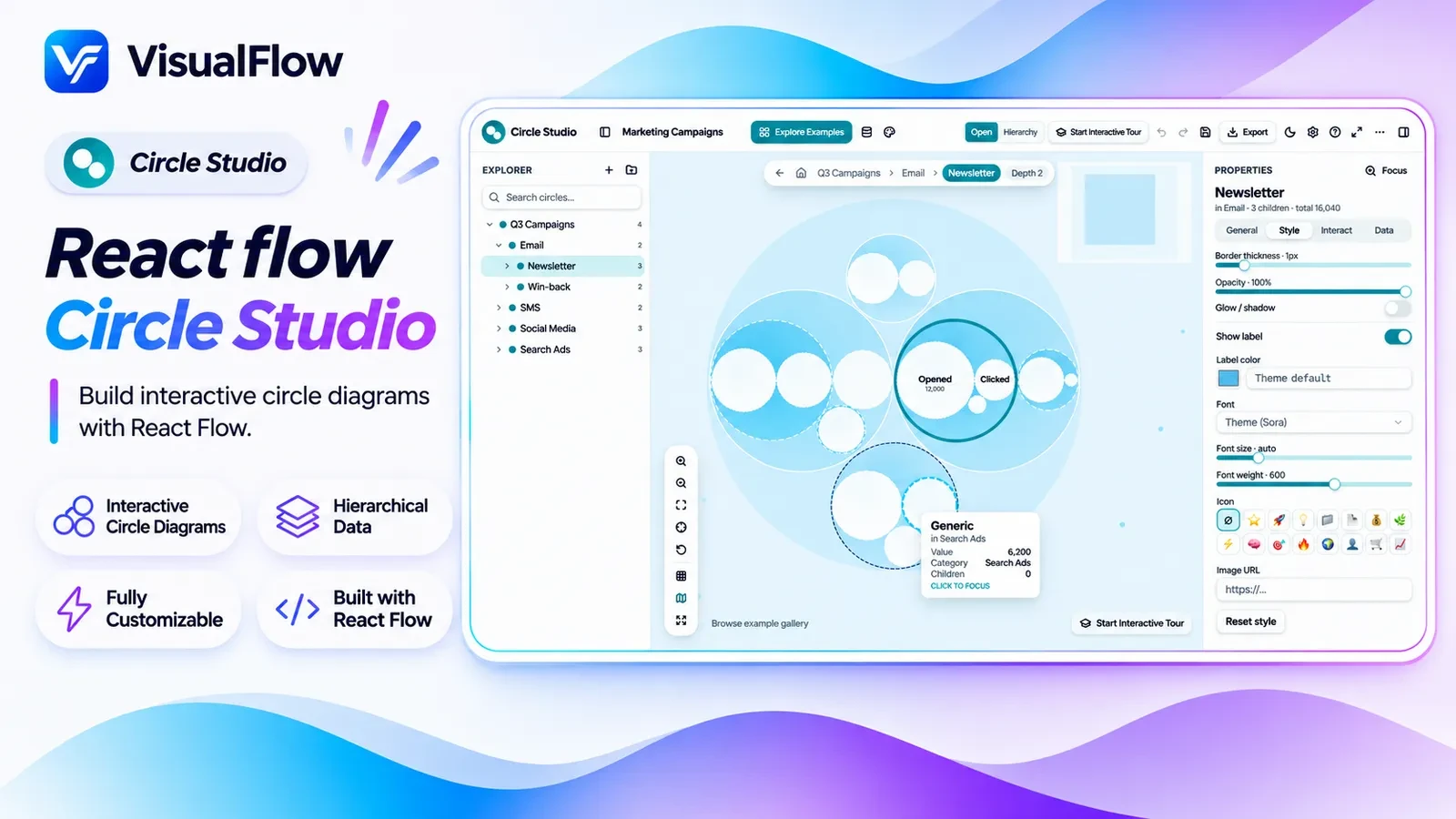
React Flow Circle Studio: Create Interactive Circle Packing Visualizations for Hierarchical Data
React Flow Circle Studio by VisualFlow demonstrates an interactive approach to hierarchical data visualization using a zoomable circle packing layout. Instead of representing information through conventional tables or linear charts, circle packing organizes data into nested circles. Each circle represents an item or category, while smaller circles inside it represent its children or related elements. This visualization technique makes it easier to understand hierarchical structures, explore relationships, and navigate datasets through an interactive visual representation. Whether you're developing data visualization dashboards, exploring nested datasets, building analytical interfaces, or creating interactive information explorers, React Flow Circle Studio provides an example of how hierarchical data can be presented through a circle-based visual layout.
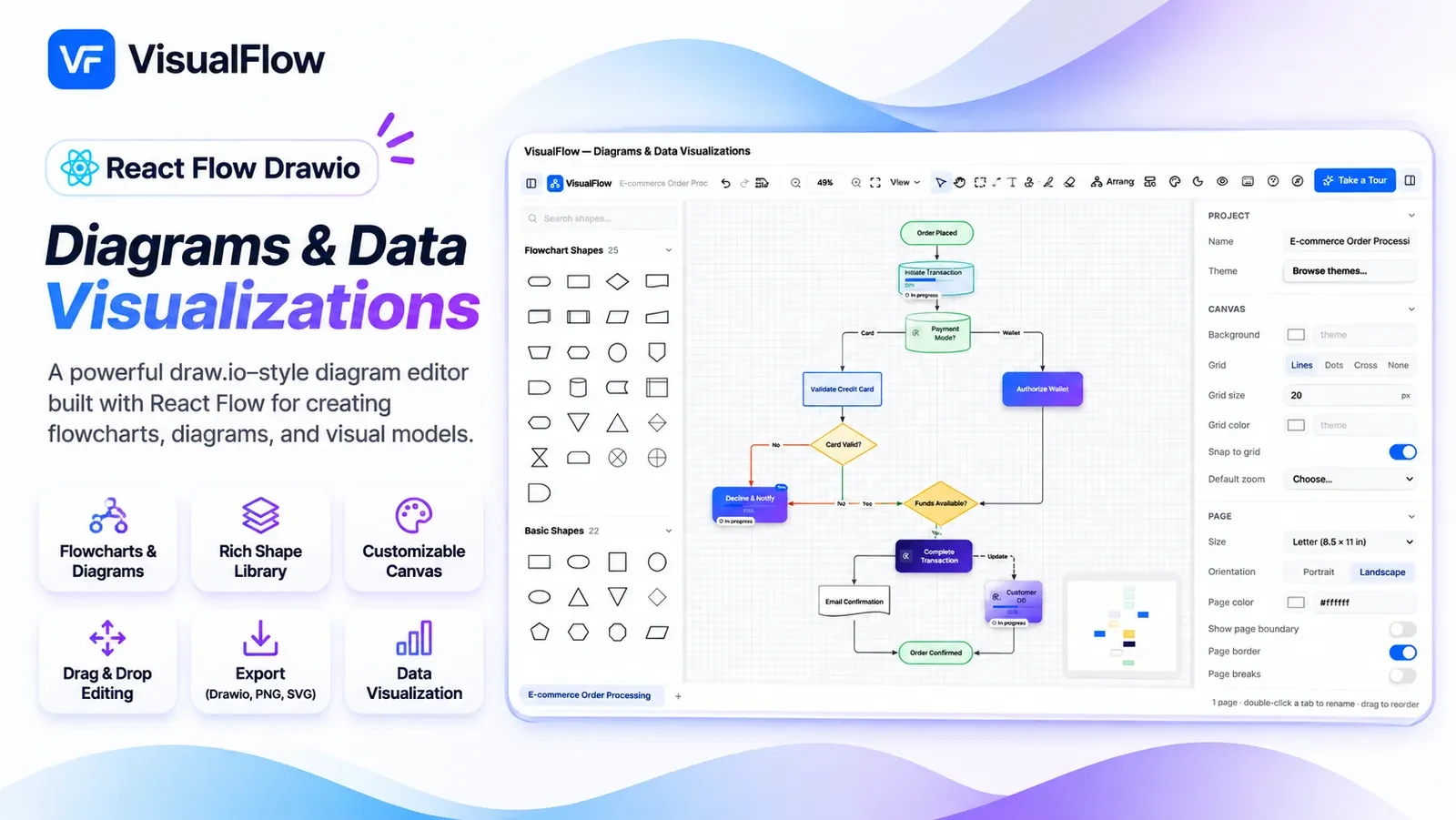
VisualFlow Diagram Maker – Flowcharts, BPMN & Data Visualization
Create professional flowcharts, BPMN diagrams, and data visualizations with VisualFlow. Explore customizable nodes, infinite canvas, templates, and advanced editing tools.
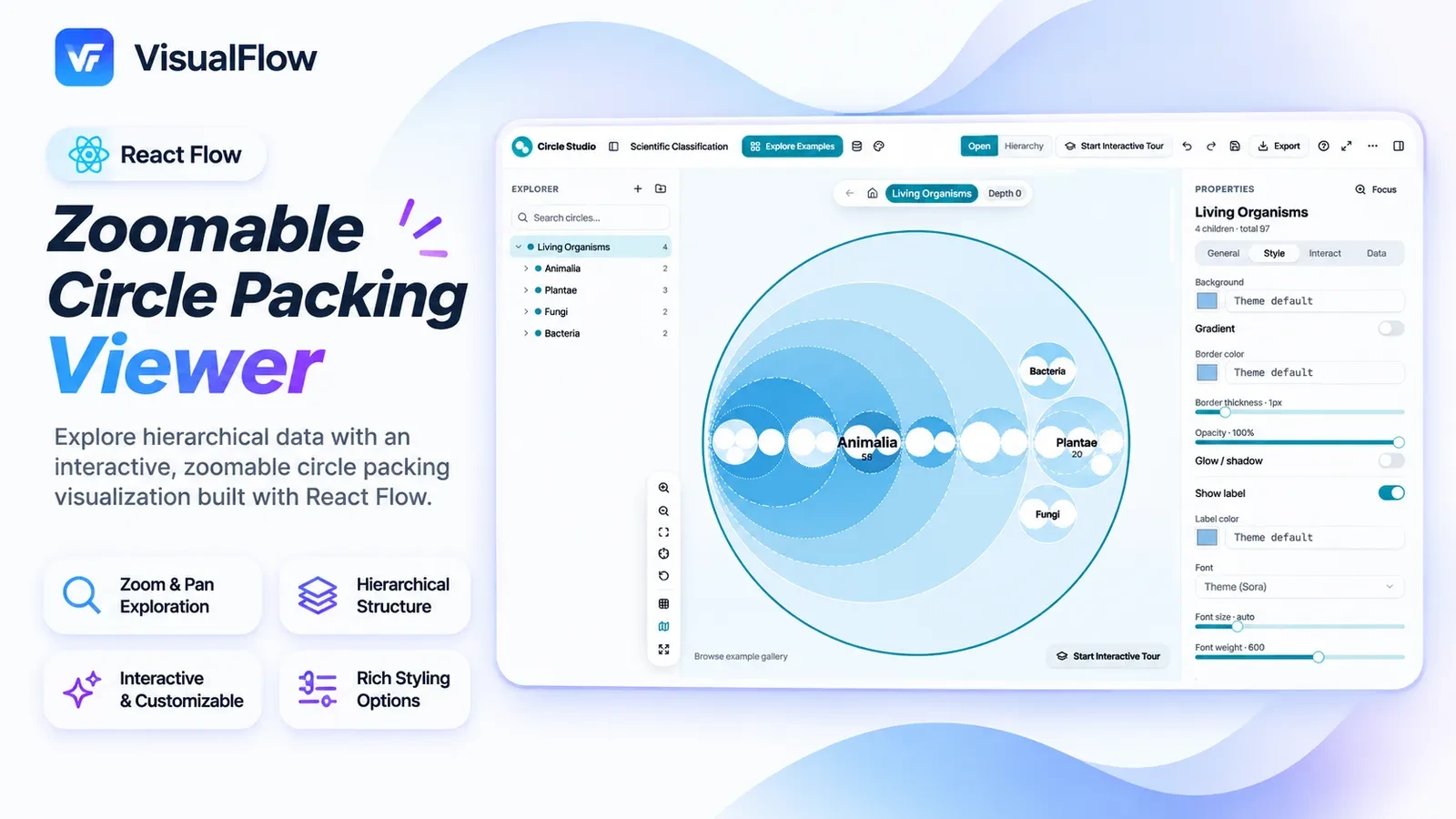
React Flow Zoomable Circle Packing Viewer: Explore Hierarchical Data Through Interactive Circle Visualization
Explore hierarchical data with a React Flow Zoomable Circle Packing Viewer. Discover interactive zooming, nested circles, custom styling, and data visualization features.