n8n Builder: Advanced Workflow Automation
Learn how to build complex automation workflows with n8n builder and create sophisticated integrations.
Introduction to n8n
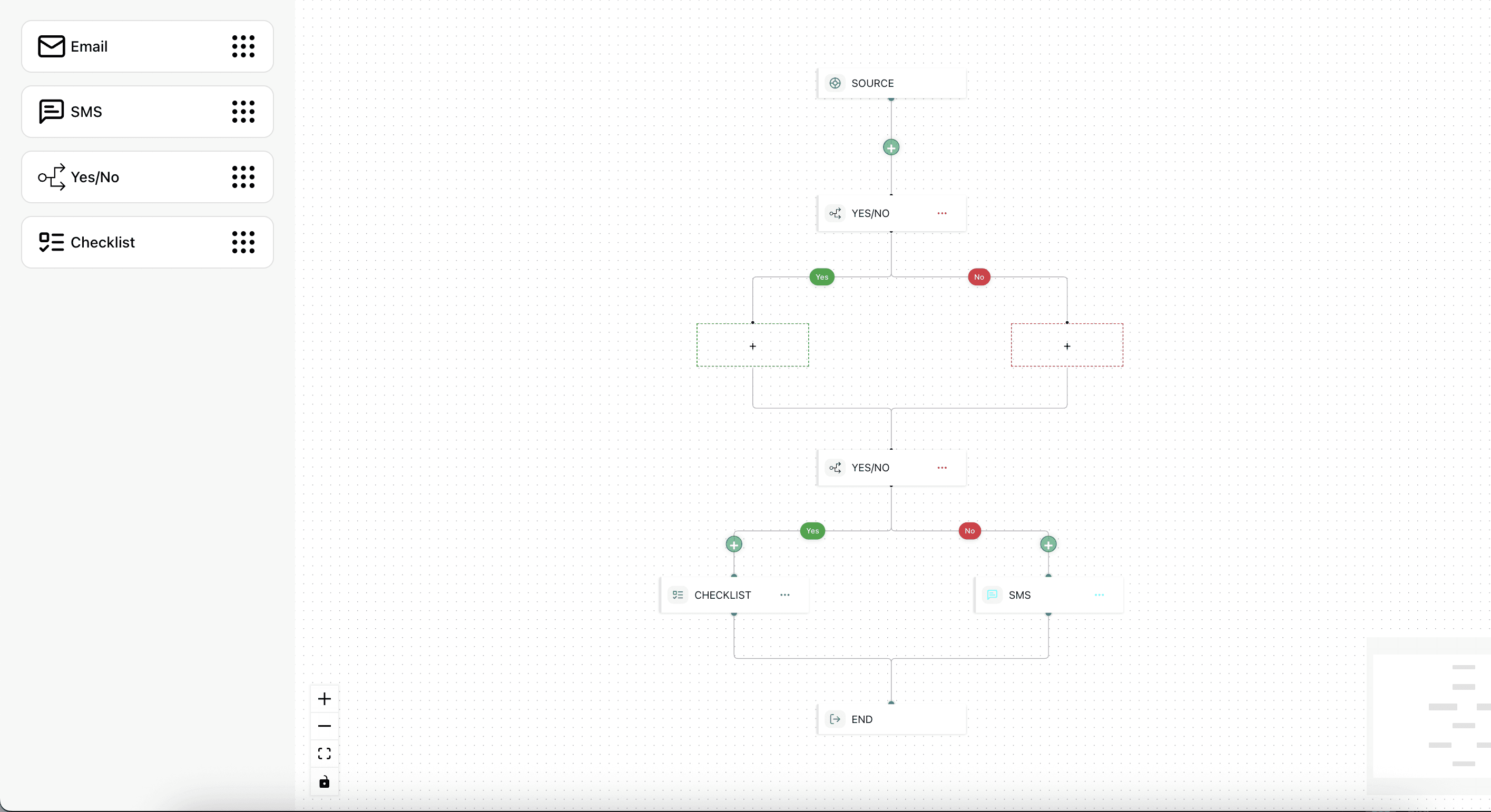
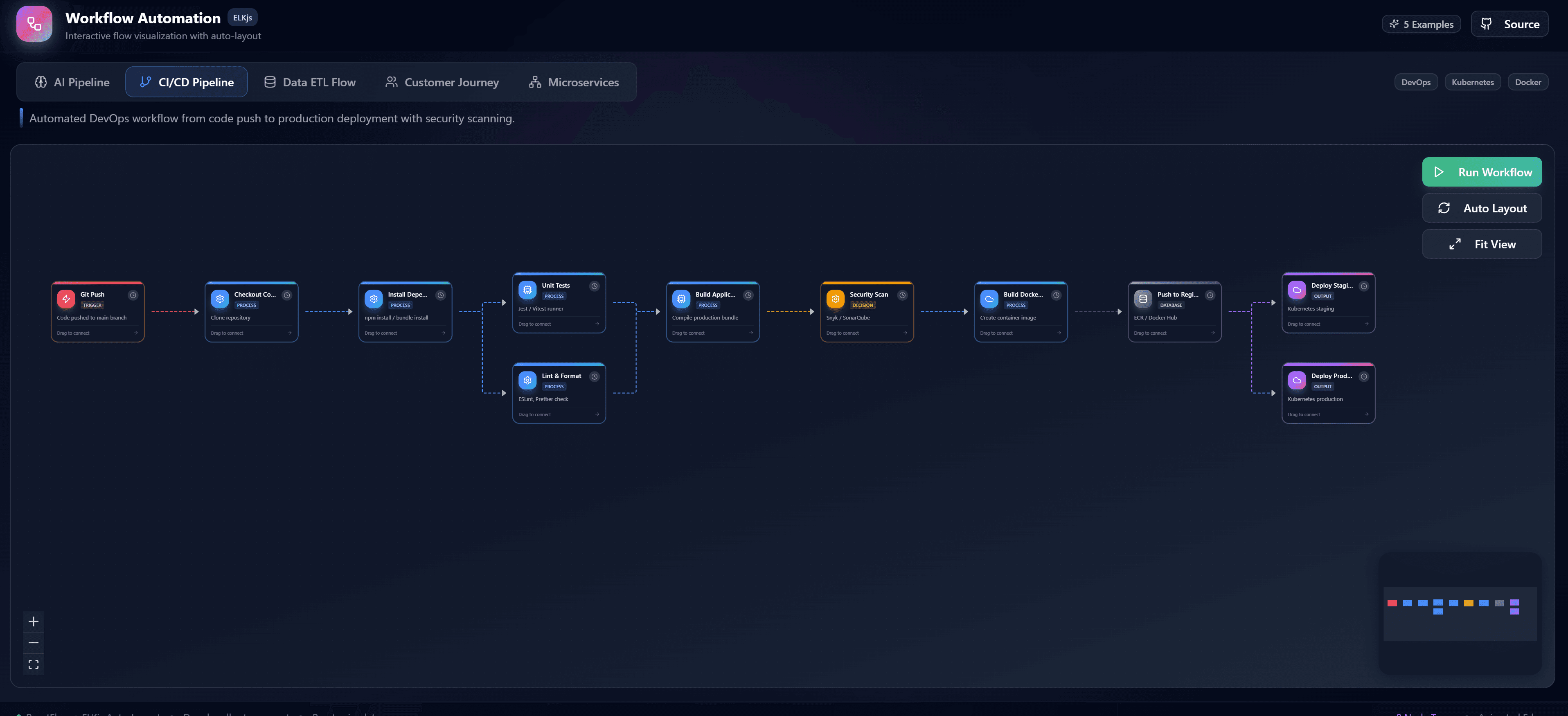
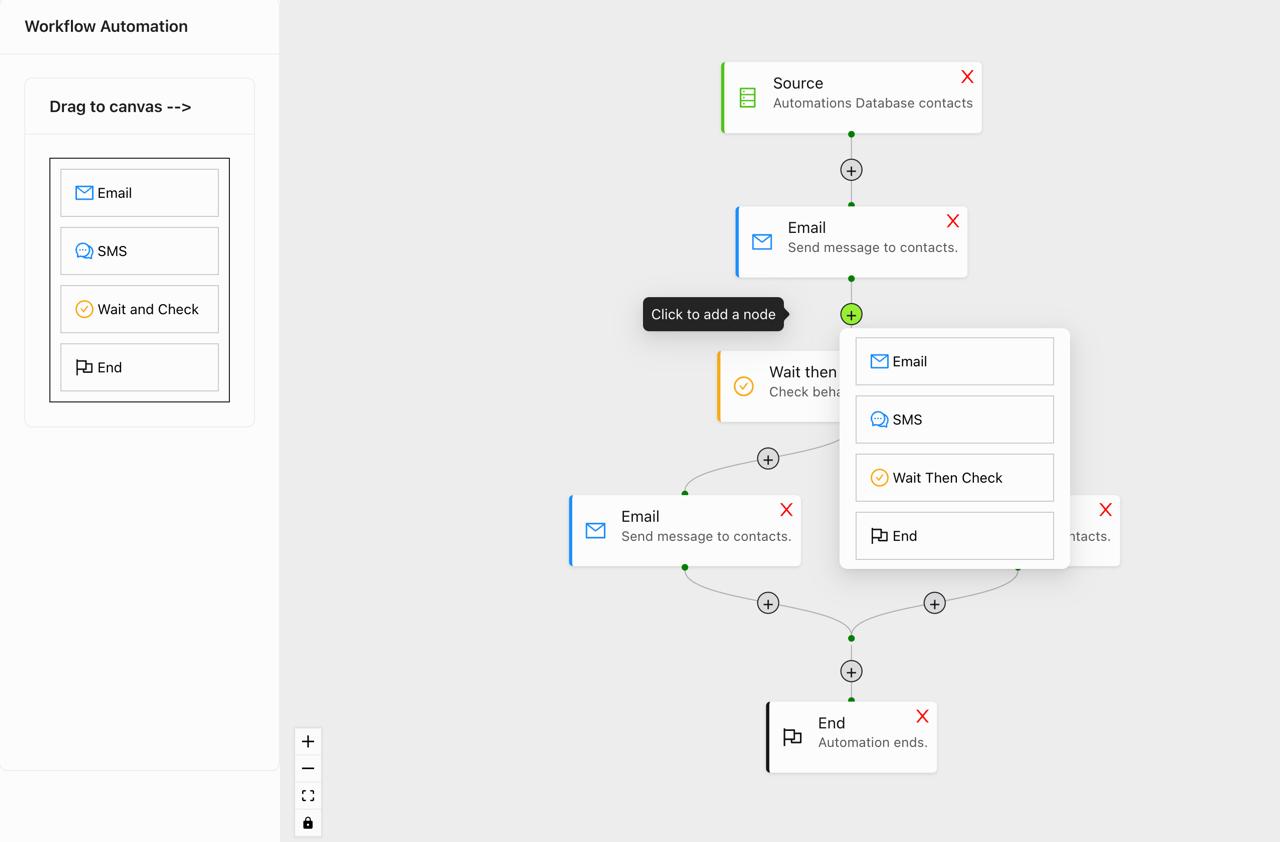
n8n is a powerful workflow automation tool that enables you to connect different services and automate tasks. By building a visual n8n-like interface with React Flow, you can create sophisticated automation platforms.
Core Concepts
Workflow Components
- Nodes: Individual steps in your workflow
- Connections: Data flow between nodes
- Credentials: Authentication for services
- Executions: Workflow runs and history
Building Workflow Nodes
Creating Custom Node Types
const workflowNode = {
  type: 'http-request',
  data: {
    label: 'HTTP Request',
    method: 'GET',
    url: 'https://api.example.com/data',
    headers: {},
    body: {},
  },
};
Node Categories
Organize nodes by category:
- Triggers: Start workflows
- Actions: Perform tasks
- Transform: Modify data
- Logic: Control flow
- Integrations: Connect services
Advanced Features
Error Handling
Implement robust error handling:
- Retry mechanisms
- Error notifications
- Fallback paths
- Logging and monitoring
Data Transformation
Transform data between nodes:
- JSON parsing
- Data mapping
- Field extraction
- Format conversion
Scheduling
Schedule workflow execution:
- Cron expressions
- Time-based triggers
- Event-based triggers
- Manual execution
Integration Patterns
REST API Integration
Connect to REST APIs:
- Authentication (OAuth, API keys)
- Request/response handling
- Rate limiting
- Error handling
Webhook Integration
Receive webhooks:
- Endpoint configuration
- Payload validation
- Security verification
- Response handling
Database Integration
Connect to databases:
- Query execution
- Data synchronization
- Transaction handling
- Connection pooling
Best Practices
- Modular design: Create reusable node components
- Error handling: Always implement proper error handling
- Documentation: Document node configurations
- Testing: Test workflows thoroughly
- Monitoring: Implement logging and monitoring
Conclusion
Building an n8n-like workflow builder with React Flow enables you to create powerful automation platforms. Start building sophisticated workflows that connect your services and automate your processes.