Building Interactive Org Charts and Incremental Trees in React Flow
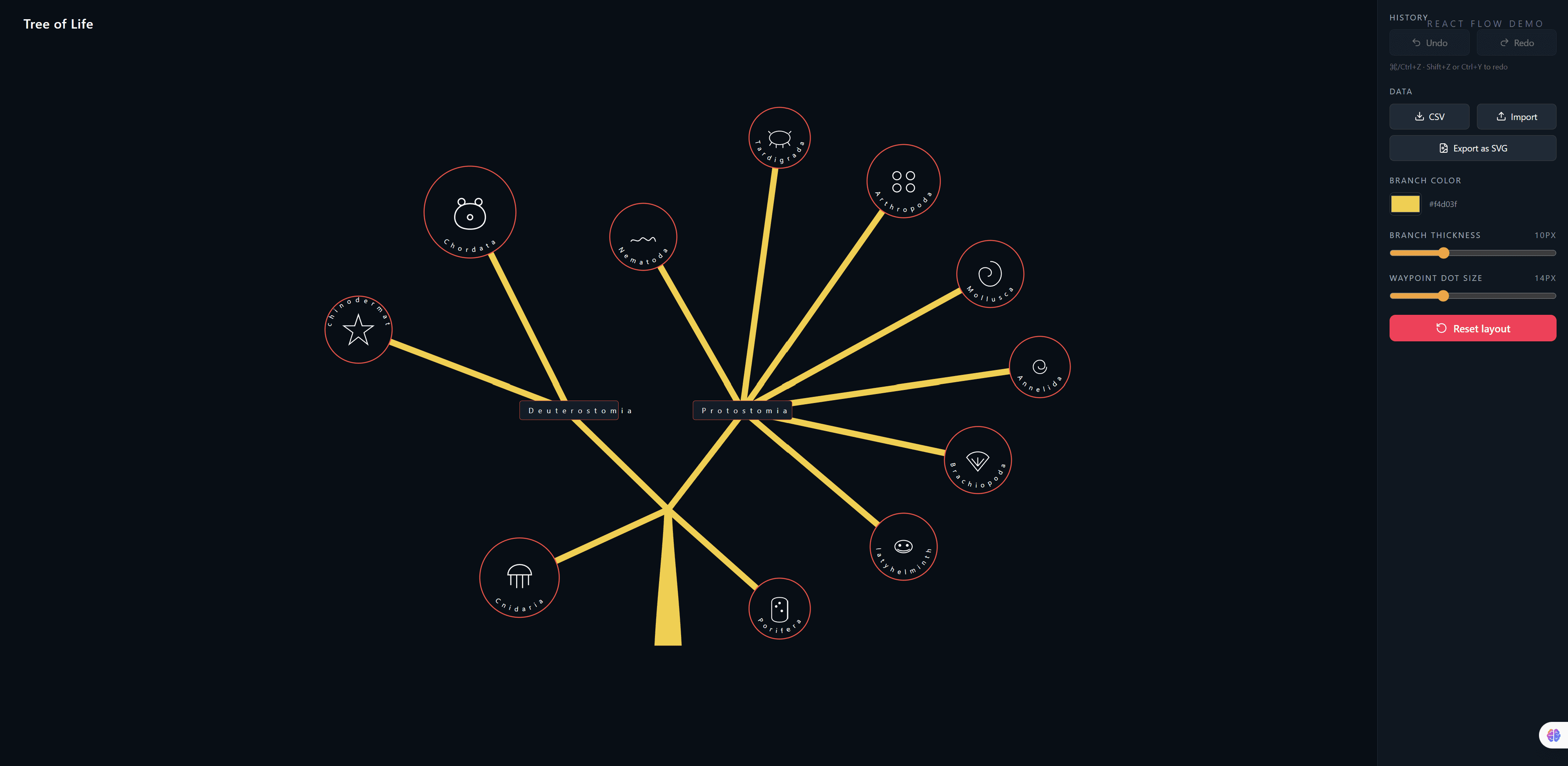
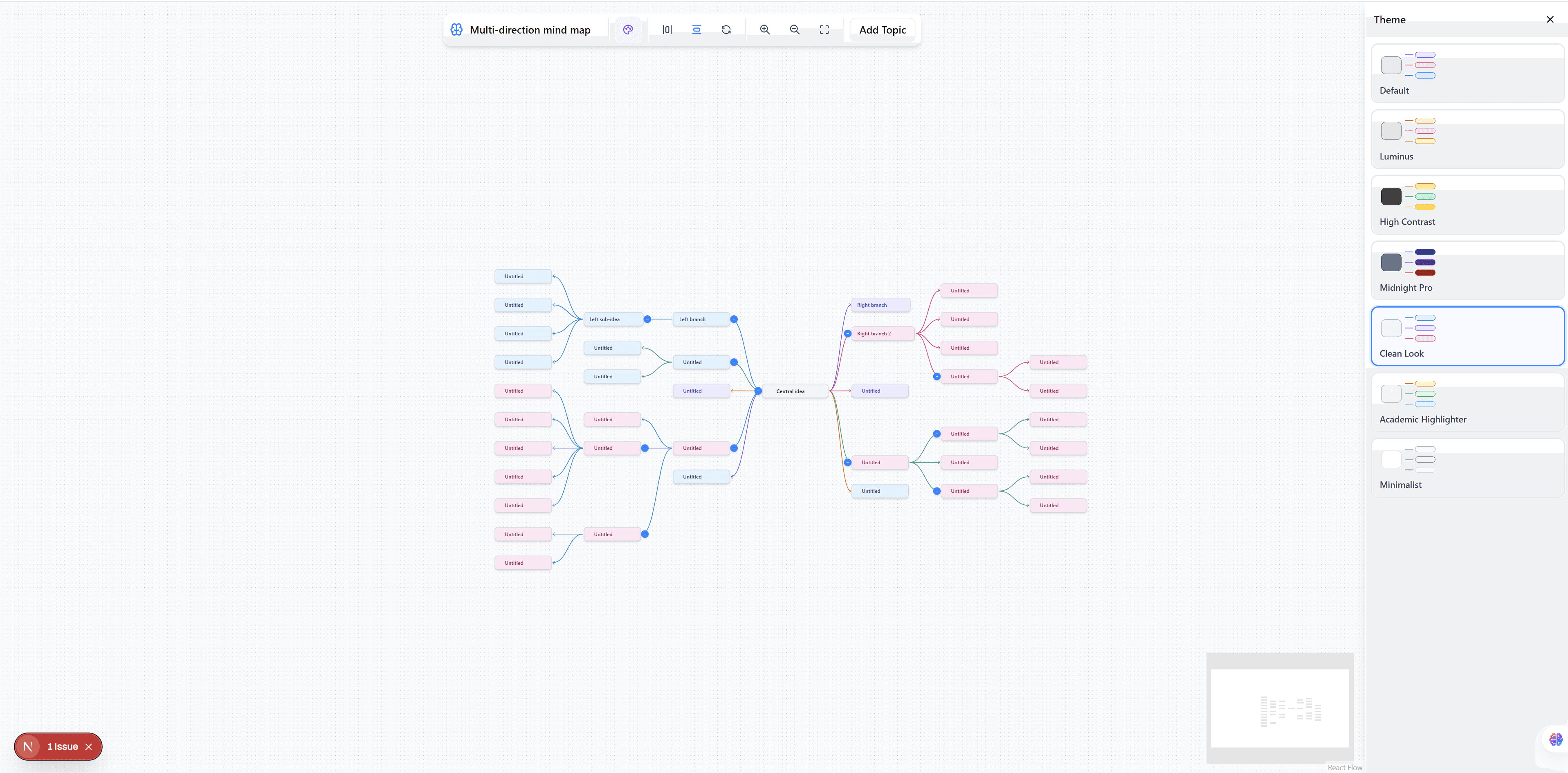
Visualizing large hierarchical structures—like organizational charts, mind maps, or decision trees—poses unique challenges for web developers. When dealing with hundreds of nodes, you need a canvas that is performant, automatically handles complex layout math, and supports interactivity like expanding or collapsing branches.
In this article, we'll explore our premium Incremental Tree Builder Studio template, and discuss the architecture of building dynamic trees using React Flow.
The Challenge of Hierarchical Layouts
When building a tree diagram, you cannot hardcode the x and y coordinates of your nodes. As users expand a branch, sibling nodes must shift over to make room for the newly visible children.
This requires an algorithmic approach to layout calculation, specifically the Reingold-Tilford "tidy" layout algorithm, often implemented via libraries like dagre or d3-hierarchy.
Implementing Trees in React Flow
React Flow is unopinionated about node positioning. It simply renders nodes exactly where you tell it to. This makes it incredibly powerful when paired with an external layout algorithm.
1. Auto-Layout Algorithms
In our template, we intercept any changes to the graph (like adding a new node or expanding a branch). We then run the entire node structure through a hierarchical layout algorithm. Once the new positions are calculated, we pass them back to React Flow, which animates the nodes smoothly into their new positions.
2. Expandable and Collapsible Branches
A key feature of any large tree is the ability to collapse deeply nested data.
In React Flow, this is managed by controlling the hidden property on nodes and edges. When a user clicks a "collapse" button on a parent node, we recursively identify all descendants of that node, toggle their hidden state to true, and then trigger the auto-layout algorithm to re-center the remaining visible tree.
// Conceptual logic for toggling a branch in React Flow
const toggleBranch = (parentId) => {
  const descendants = getDescendants(nodes, parentId);
  setNodes((nds) =>
    nds.map(node =>
      descendants.includes(node.id) ? { ...node, hidden: !node.hidden } : node
    )
  );
  // Trigger layout recalculation here
}
3. Incremental Node Loading
For massive data sets, loading everything at once can crash the browser. Our template demonstrates how to handle "incremental loading" in React Flow. Users start with a root node, and as they click to expand branches, the application fetches the child data asynchronously, injects new React Flow nodes into the state, and animates the layout expansion.
Why Buy the Incremental Tree Template?
Handling recursive algorithms, managing complex nested state, and animating layout shifts in React Flow is a significantly complex engineering task.
By purchasing the Incremental Tree Builder Studio template for $50, you get:
- Pre-configured Auto-Layout: The complex
dagreord3-hierarchyintegration is fully solved and optimized. - Branch Toggling Logic: Production-ready code for recursively hiding and showing massive data branches.
- Beautiful Interactive Nodes: Custom SVG nodes designed specifically for org-charts and hierarchical data display.
View the Live Demo here and start architecting your dynamic trees today!